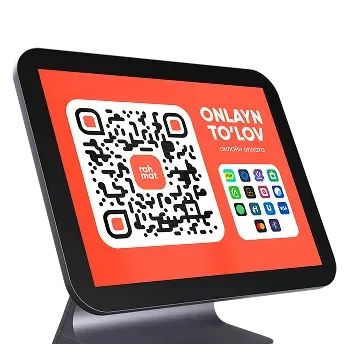
Dynamic QR
At the checkout
A QR code with the exact purchase amount on the checkout screen.

Rahmat QR / In-person acquiring
More than 12 payment methods in one QR code. Customers pay by card, through a payment service or a banking app.
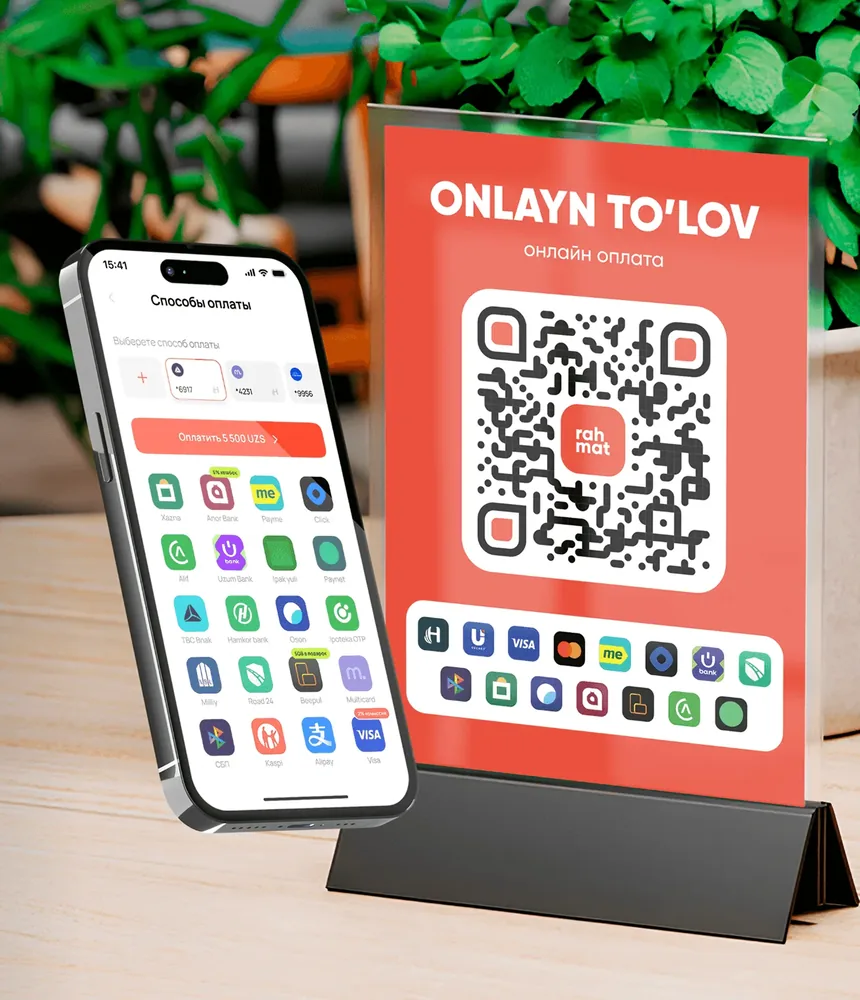
01 / Placement
The QR code appears on the checkout or terminal screen, stands on a display holder or is read by a 2D scanner.
Dynamic QR
A QR code with the exact purchase amount on the checkout screen.
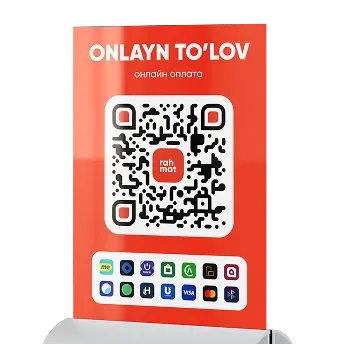
Static or hybrid QR
A QR code on a stand in the store.
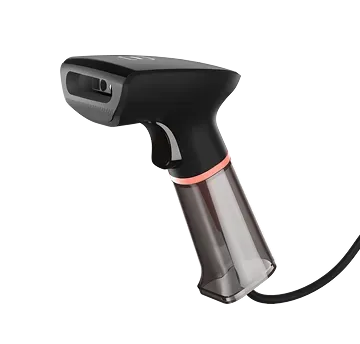
QR from an app
The 2D scanner reads a QR code generated in an app.
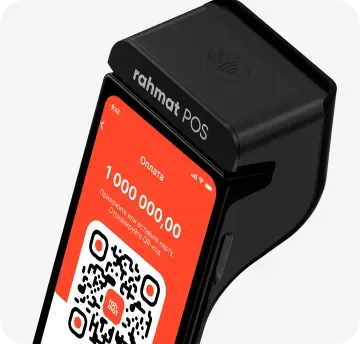
Dynamic QR
The payment terminal generates a dynamic QR code.
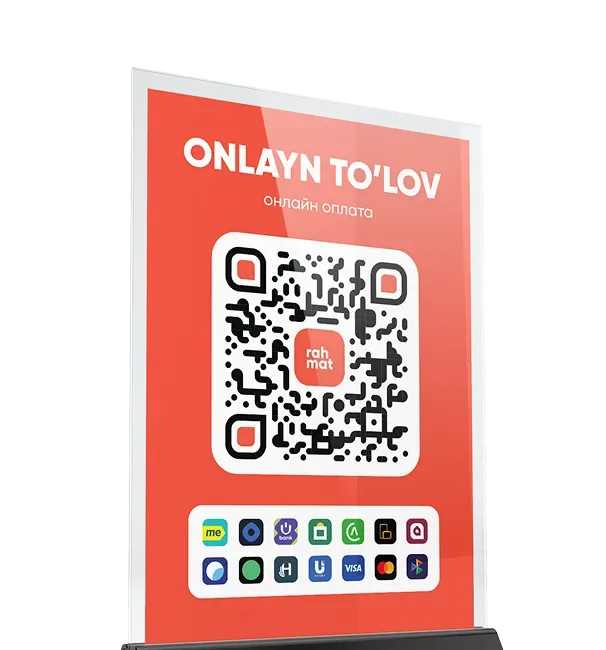
02 / Smart QR
Customers just tap a smartphone (NFC) or scan the QR code.
Through the Unified QR, Rahmat accepts payments by card, through payment services and banking apps.
03 / Payment methods
The Unified QR accepts card payments and payments through payment services and banking apps.
 Uzcard
 Humo
Humo Visa
Visa Mastercard
 Payme
Payme Click
Click Uzum
Uzum Xazna
Xazna 1943
1943 Oson
Oson BeePul
 Alif
Alif Paynet
 SBP
SBP04 / Benefits
Integration with popular POS systems in Uzbekistan.
One contract instead of separate contracts with different services.
All payments on one screen and transaction notifications in Telegram.
05 / Questions and answers
Other questions — on 1865 or in the support chat.
1865 Support chatMore than 12. Customers pay with an Uzcard, Humo, Visa or Mastercard card, through a payment service or a banking app, or by tapping an NFC smartphone.
A dynamic QR appears on the checkout screen with the exact purchase amount; a payment terminal can generate one too. A static or hybrid QR is placed on a stand in the store.
Connection is free. Requests go through open.rhmt.uz.
No. One contract with Rahmat replaces separate contracts with different services.
Yes. Rahmat QR integrates with popular POS systems in Uzbekistan. All payments are visible in the dashboard, and transaction notifications arrive in Telegram.
Rahmat QR
Requests go through open.rhmt.uz. Questions — on 1865 or on Telegram.