







Core iiko modules
iiko
iiko automates cafés, restaurants and chains with delivery. The Rahmat POS integration joins the order and the payment into one workflow and reduces the load on waiters.
Video guide

Rahmat POS / Integrations
Rahmat POS works with restaurant, retail and accounting systems: iiko, R_keeper, 1C, MoySklad. Orders, payments and receipts go to the system without manual entry.

01 / Ready integrations
Each logo opens a description of the system and how it works with Rahmat POS.
02 / Food service
In restaurants and cafés, a payment on the Rahmat POS terminal is linked to the order in iiko or R_keeper. Staff do not re-enter data by hand.
Core iiko modules
iiko automates cafés, restaurants and chains with delivery. The Rahmat POS integration joins the order and the payment into one workflow and reduces the load on waiters.
Core R_keeper modules
R_keeper automates food-service venues: it runs the dining room and the kitchen. Together with Rahmat POS, payment acceptance and register records form one process.
03 / Video guide
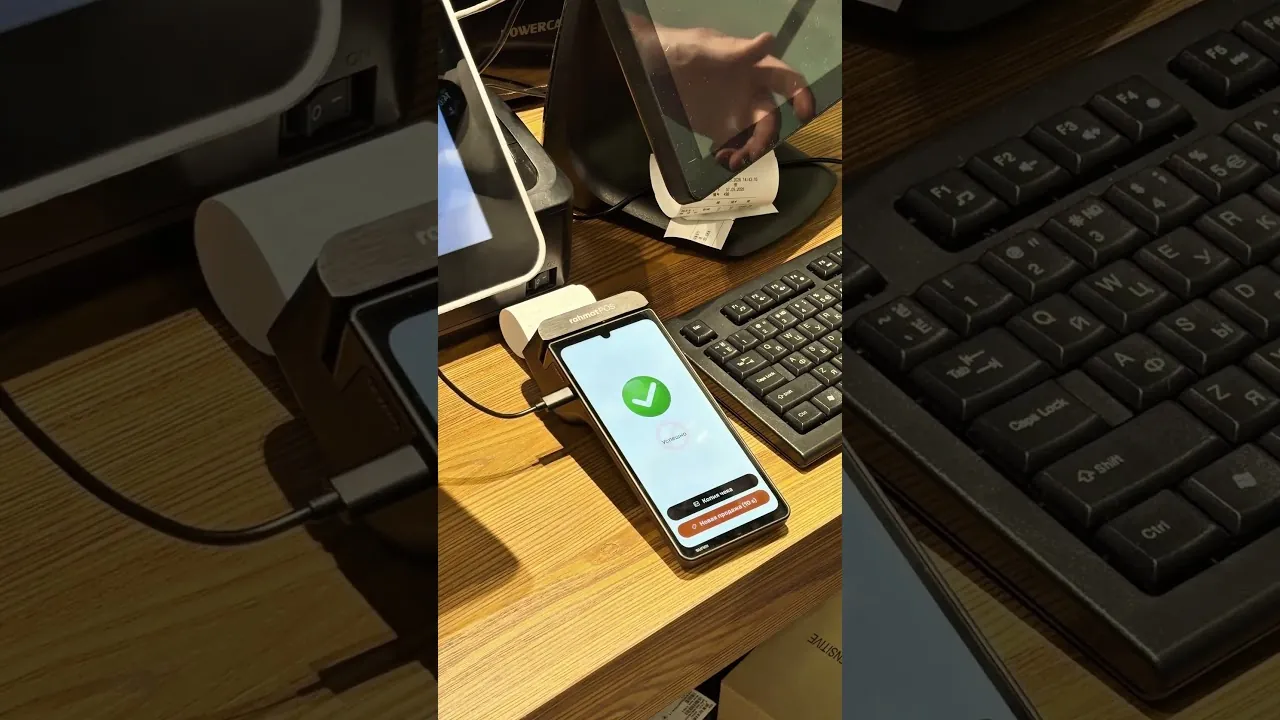
How the Rahmat POS payment terminal works with iiko. The R_keeper video is in the card above.
04 / MoySklad
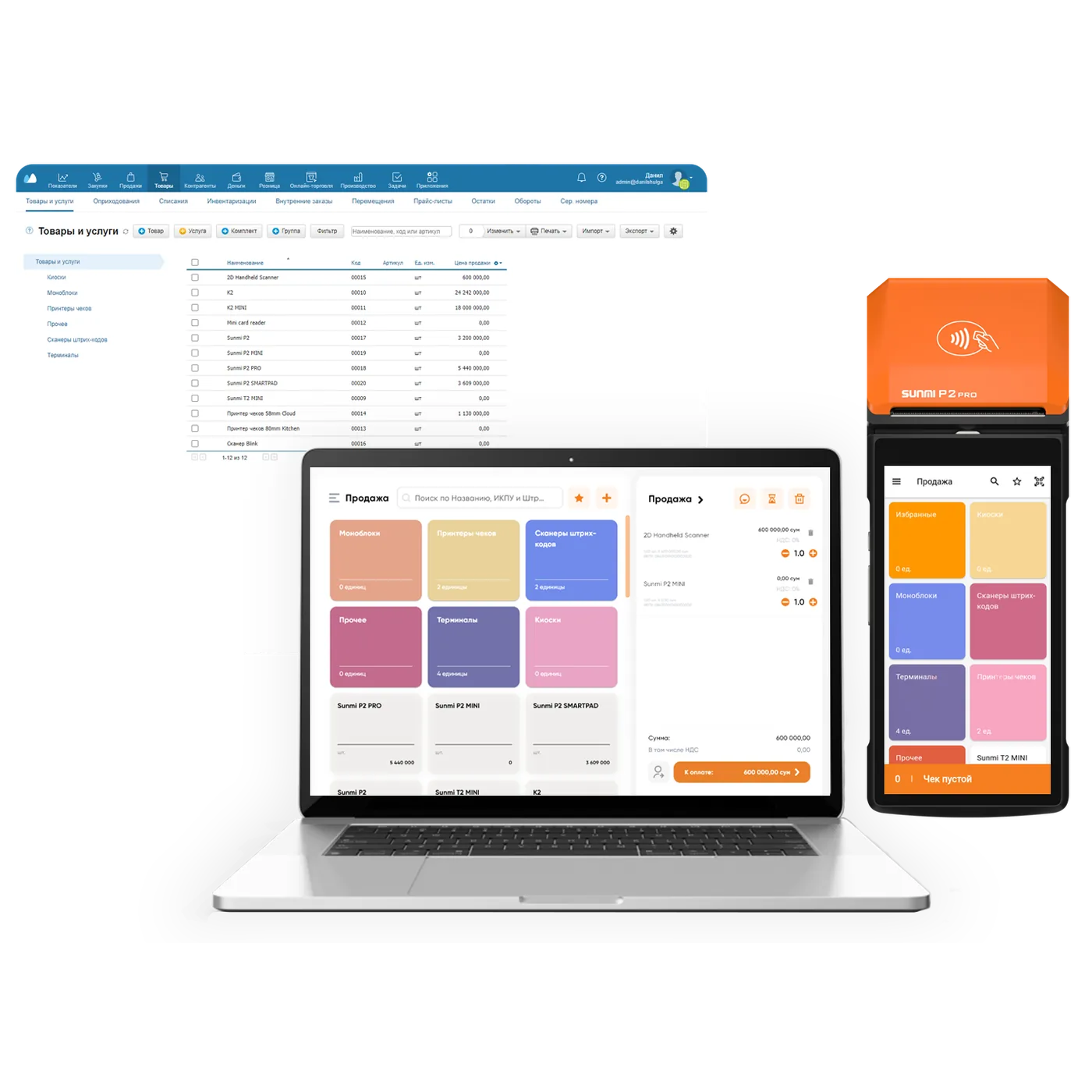
MoySklad keeps records of products, stock and sales. The Rahmat POS integration syncs product and sales data between MoySklad and the register automatically.
05 / Retail and accounting
Checkout, self-service and accounting: Rahmat POS complements the systems that shops and chains already run on.
Accounting and stock
1C: Trade Management automates accounting, warehouse stock and sales analysis. The Rahmat POS integration exports transactions to the 1C database with no manual transfer of receipts and no stock mix-ups.
Checkout zone
SetRetail automates the checkout zone of retail chains and single stores. With Rahmat POS terminals, the store accepts cashless payments, and a receipt closes in one click.
Self-checkout
Artix is a self-checkout with a touchscreen and video monitoring. Together with Rahmat POS, it handles the whole purchase: scanning items, payment and the receipt.
The Rahmat POS online cash register works with Poster. Popular POS systems in Uzbekistan connect to Rahmat POS through OpenAPI. Compatibility and the connection method are confirmed on Telegram.
06 / Getting connected
The name of the restaurant, retail or accounting system and the number of outlets.
Before work starts, the configuration, the scope of setup and the required Rahmat POS solution are confirmed.
A specialist sets up the register and the integration and shows the main functions. Support is on 1865.
07 / Questions and answers
Other questions — on 1865 or in the support chat.
1865 Support chatReady integrations cover SetRetail, iiko, R_keeper, MoySklad, 1C: Trade Management and Artix. The online register also integrates with Poster, and other POS systems connect through OpenAPI.
It depends on the system. MoySklad works with the Virtual register and the Online cash register; iiko and R_keeper work with the Rahmat POS payment terminal. Help with choosing for a specific setup is available on 1865.
Accounts in MoySklad and Multibank are required. Setup takes a couple of steps in the personal account — details in the guide.
Through OpenAPI, Rahmat POS connects to popular POS systems in Uzbekistan. Compatibility and the scope of work are confirmed before setup — on 1865 or on Telegram.
A request on the website or a call to 1865.
Connecting Rahmat POS
On request, a Rahmat specialist selects a Rahmat POS register and the way to integrate it with the accounting or restaurant system.