Cards and NFC
HUMO, Visa, Mastercard and UnionPay — pay by card or contactless via NFC.

Rahmat POS / SUNMI P3
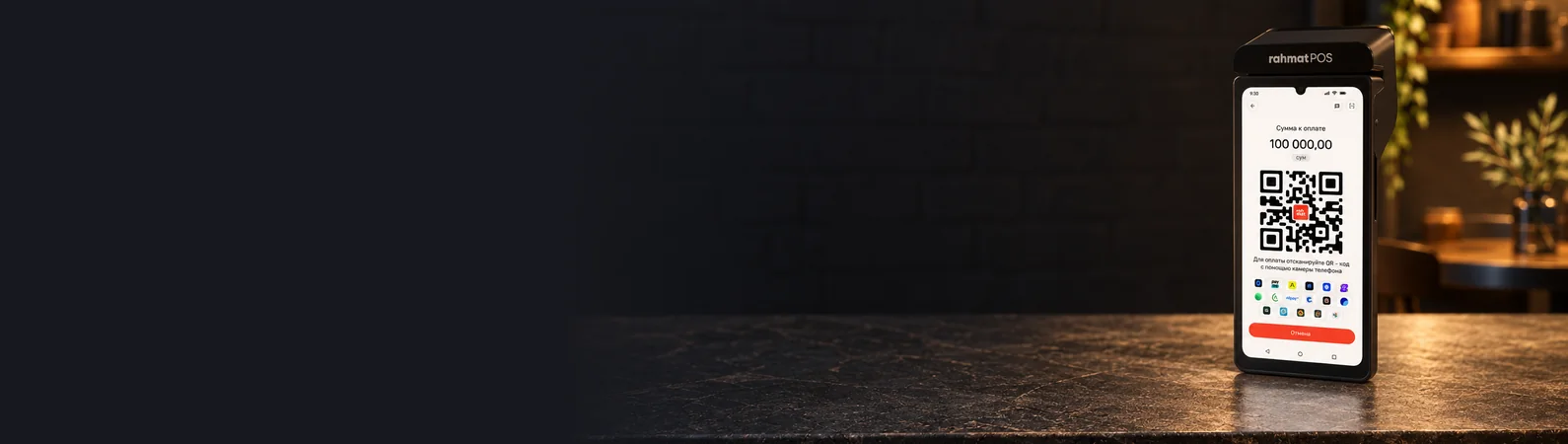
The Rahmat POS terminal on SUNMI P3 accepts HUMO, Visa, Mastercard and UnionPay cards and contactless NFC payments. This solution is for accepting payments only.
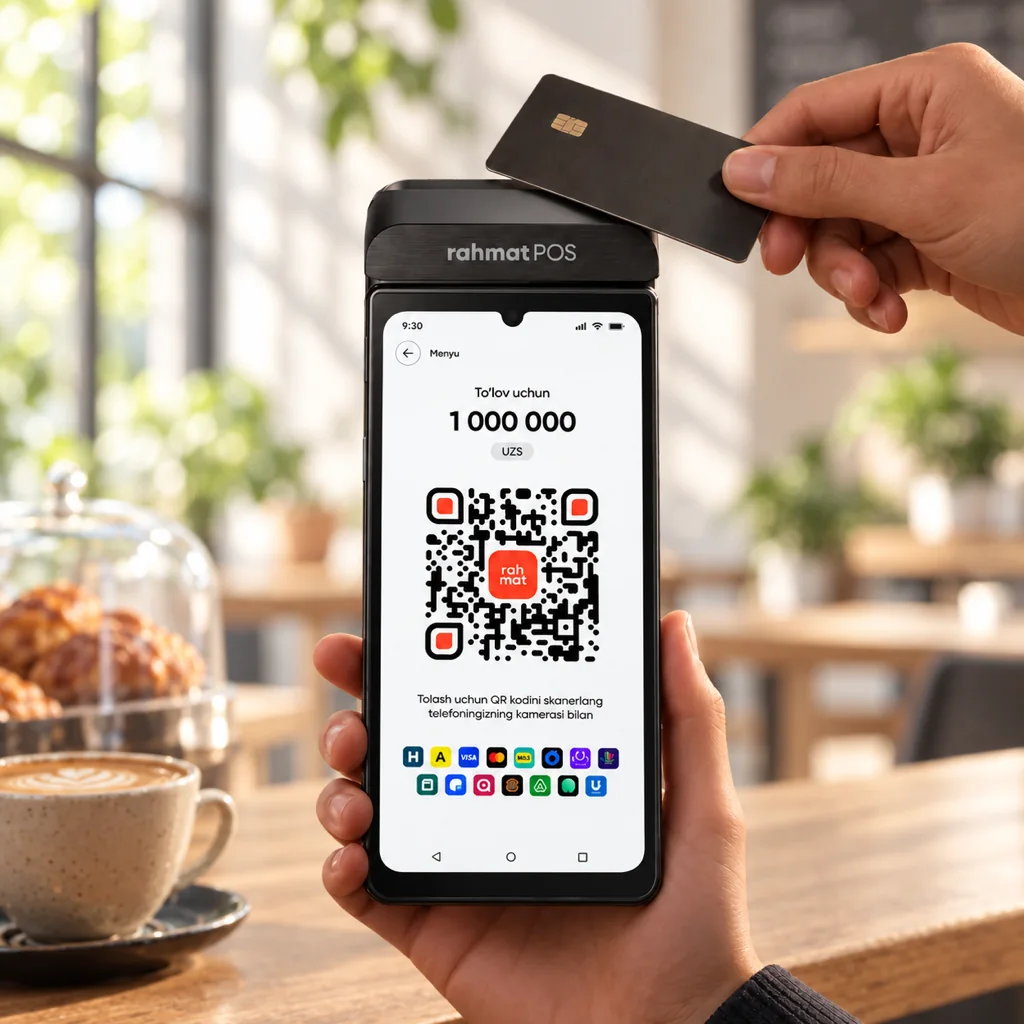
01 / Why it works
The terminal accepts cards and NFC payments. It connects via eSIM, a SIM card or Wi-Fi and runs on a removable battery.
HUMO, Visa, Mastercard and UnionPay — pay by card or contactless via NFC.
A Quad-Core A53 processor and 2 GB of RAM.
The terminal connects to the mobile network via the built-in eSIM. It also has a SIM card slot and Wi-Fi.
IPS touch display with HD+ resolution and capacitive multi-touch.
The touch panel coating protects the screen from fingerprints.
Removable lithium battery. Up to eight hours of active use and up to 13 days on standby.
The payment terminal only accepts payments. The online cash register on the same SUNMI P3 adds fiscal receipts and inventory.
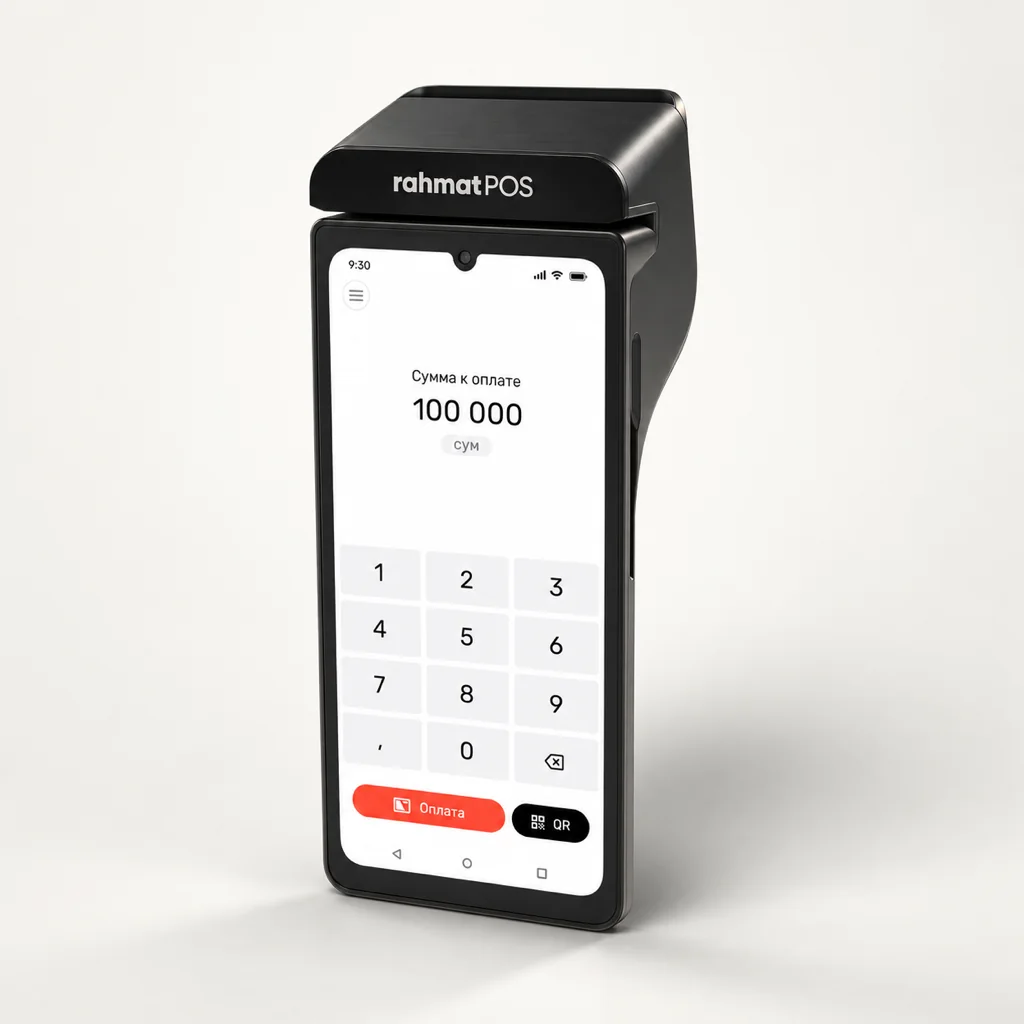
02 / SUNMI P3
SUNMI P3 runs SUNMI OS based on Android 11 Go. The terminal reads chip cards and contactless cards via NFC.
The body houses a 70 mm/s thermal printer for 58 mm paper rolls, an eSIM and a SIM card slot.
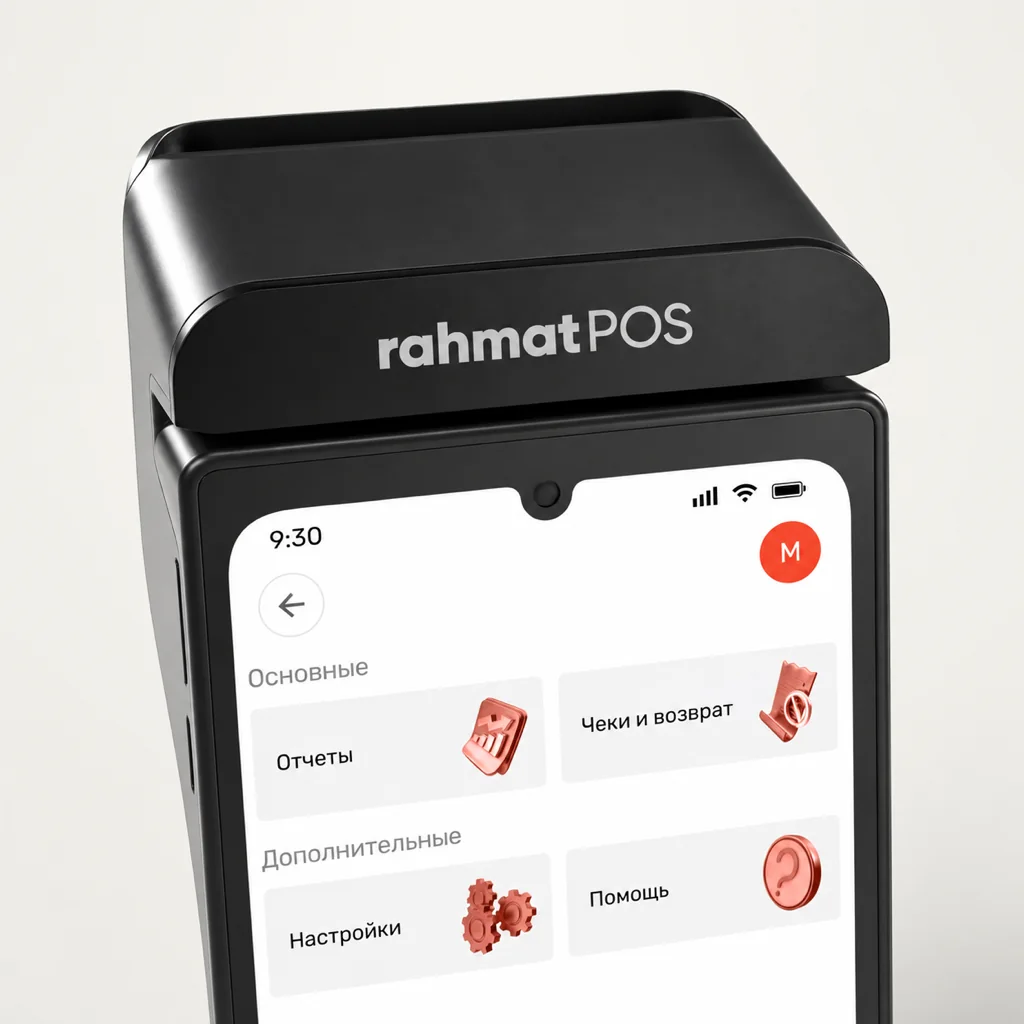
03 / Payment app
The payment app accepts card and NFC payments. The menu has purchase, refund, reports and transaction history.
Without internet, the app stores data for up to 24 hours. When the connection is back, the app sends the data.
04 / SUNMI and EMVCo
Rahmat is an exclusive distributor and authorised service centre of SUNMI. The terminal model is approved by EMVCo.
SUNMI Care
SUNMI Care Service qualification certificate for completing SUNMI service training.
SUNMI
Authorised exclusive distributor of P-series payment terminals in Uzbekistan.
EMVCo
EMVCo Letter of Approval for the T6F10 model — Contact Terminal Level 2.
05 / Specifications
Items marked “optional” depend on the device configuration.
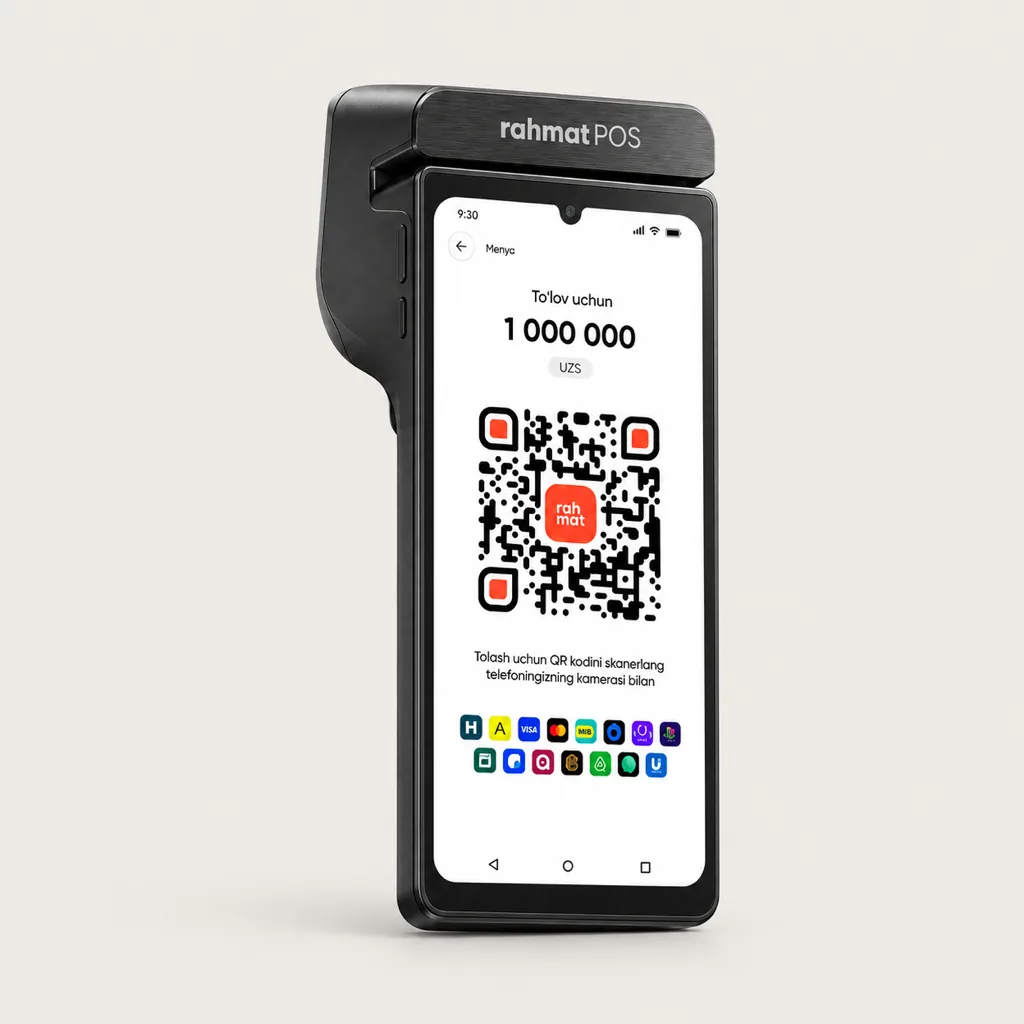
06 / Pricing
Terminal service is billed separately from the device purchase.
Card and NFC payments on SUNMI P3.
Service plan
0 UZS / month
Payments, fiscal receipts and inventory on the same SUNMI P3.
Service plan
100 000 UZS / month
Monthly service fees are shown. Payment acceptance terms are confirmed during setup. All plans are on the Pricing page.
TERMINAL OWNERSHIP
A SUNMI P3-based terminal, bought outright for the point of sale.
990 000UZS, one-off
Buy a terminalDevice price only. Service is billed separately under the chosen plan.
07 / How to connect
After a request, a Rahmat specialist selects a solution for the point of sale and agrees on the terms.
Activation in 10 minutes with the step-by-step guide, with no bank visit.
The terminal accepts cards and NFC payments from day one. Support is on 1865.
08 / Questions and answers
Other questions — on 1865 or in the support chat.
1865 Support chatIt is a payment terminal running SUNMI OS (Android 11 Go) with a 2.0 GHz processor and a 6.75″ screen. It accepts HUMO, Visa, Mastercard and UnionPay cards and NFC payments. Fiscal receipts and inventory work in the Rahmat POS online cash register on the same SUNMI P3.
Contact and contactless NFC payments with HUMO, Visa, Mastercard and UnionPay cards.
The terminal service plan is UZS 0 a month. The SUNMI P3-based device costs UZS 990,000. It is a one-off purchase, separate from the service plan.
Up to eight hours of active use, and the charge lasts up to 13 days on standby.
The terminal has a built-in eSIM. There is also a slot for a regular SIM card and Wi-Fi.
The payment app stores data offline for up to 24 hours and sends it as soon as the connection is back.
Self-service activation with no bank visit, using the step-by-step guide. Setup takes about 10 minutes.
A request on the website or a call to 1865.
Connecting Rahmat POS
Rahmat connects the terminal, helps with activation and gives advice on 1865.