01 /At the point of sale
POS solutions
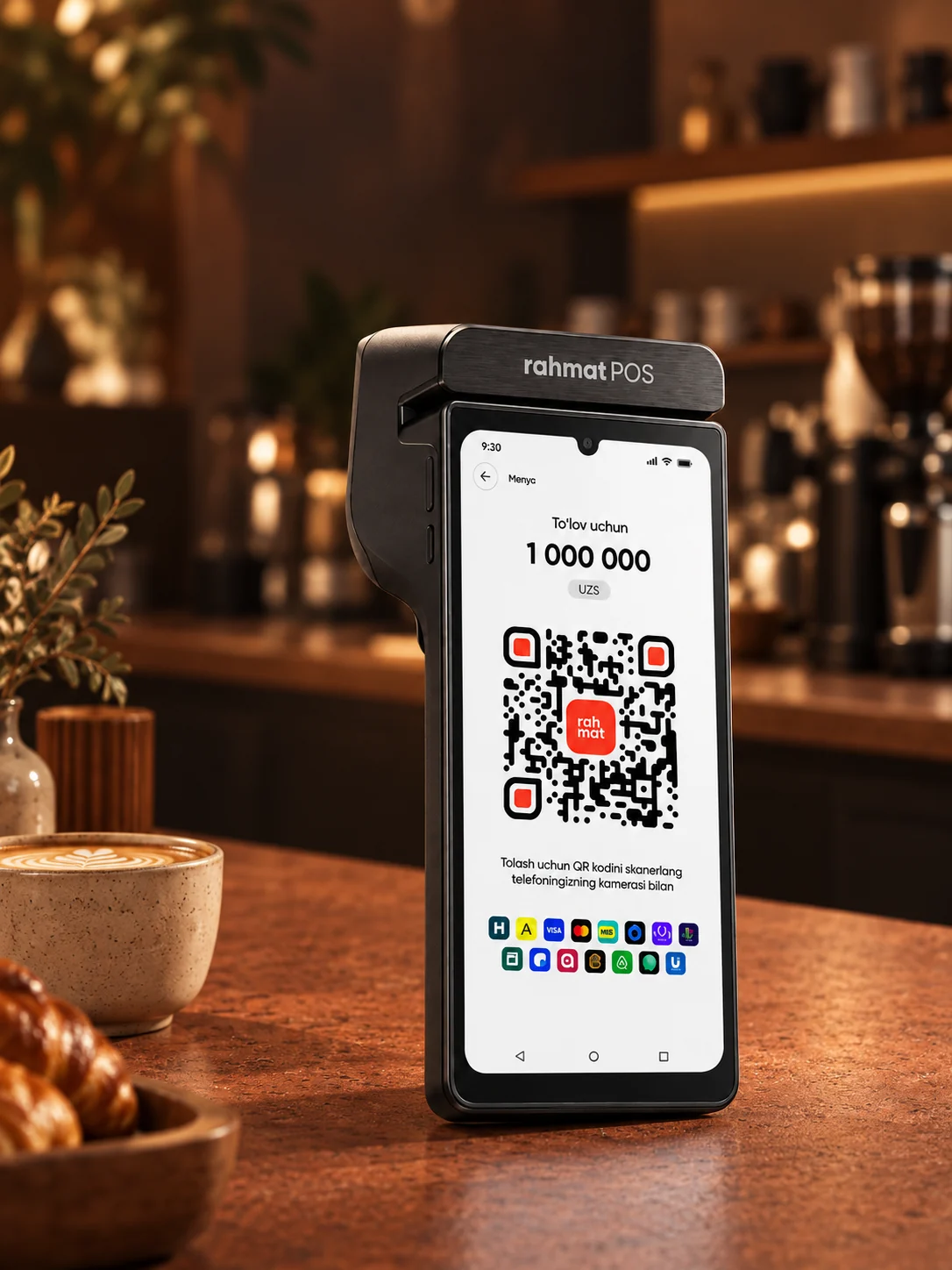
Rahmat POS payment terminals, online cash register and virtual register: payment acceptance, fiscal receipts and inventory management.
Explore POS

Payment acceptance · Cash registers · QR payments
Rahmat services accept payments at the point of sale, on websites, in apps and in Telegram bots — for shops, cafés, restaurants, fuel stations and pharmacies in Uzbekistan.
Choose a solutionFour Rahmat product lines
Registers and terminals, online acquiring, QR payments and the Rahmat app for individuals and the self-employed.
Rahmat POS payment terminals, online cash register and virtual register: payment acceptance, fiscal receipts and inventory management.
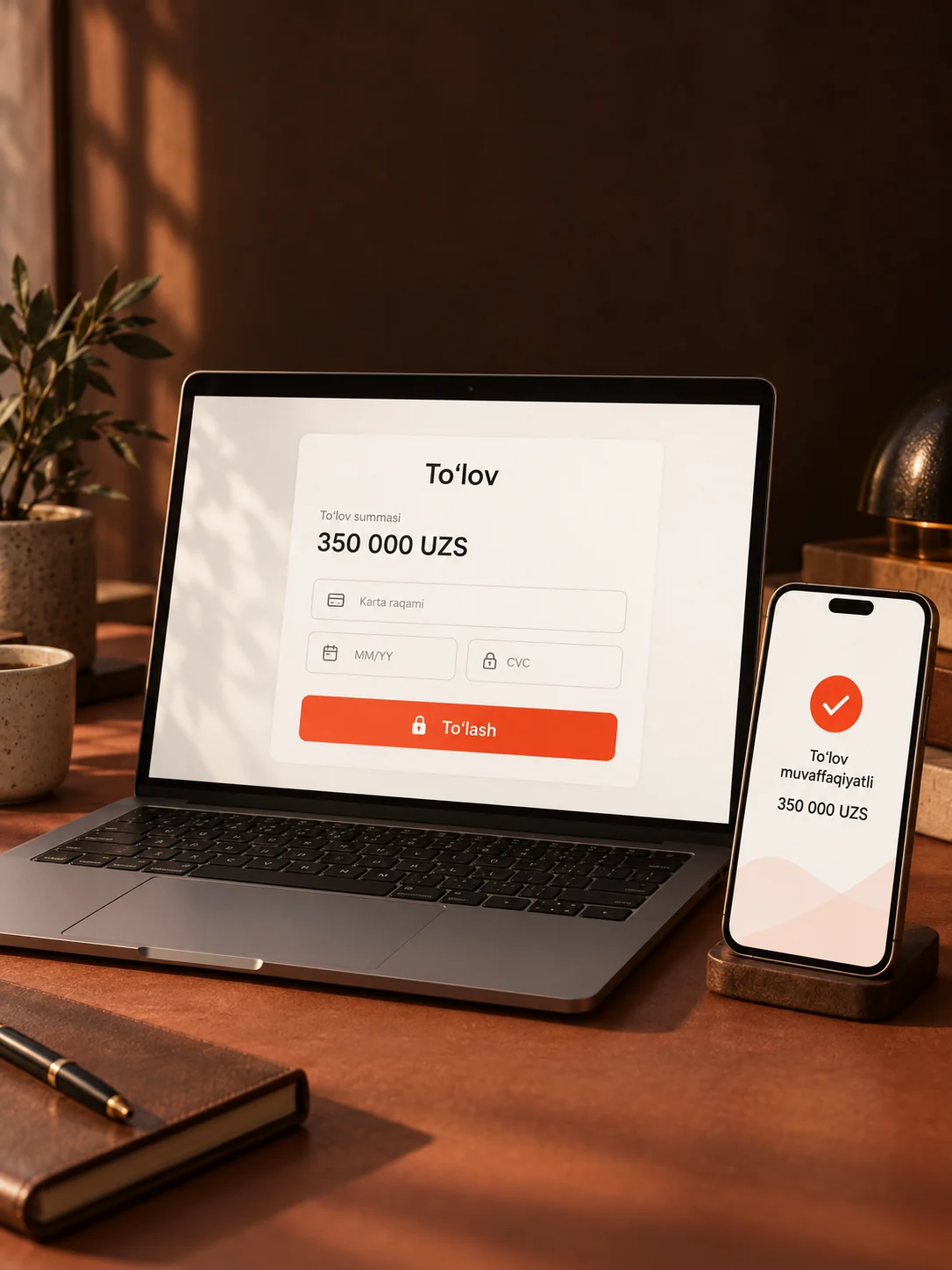
Payment acceptance on websites, in apps and in Telegram bots through one integration.
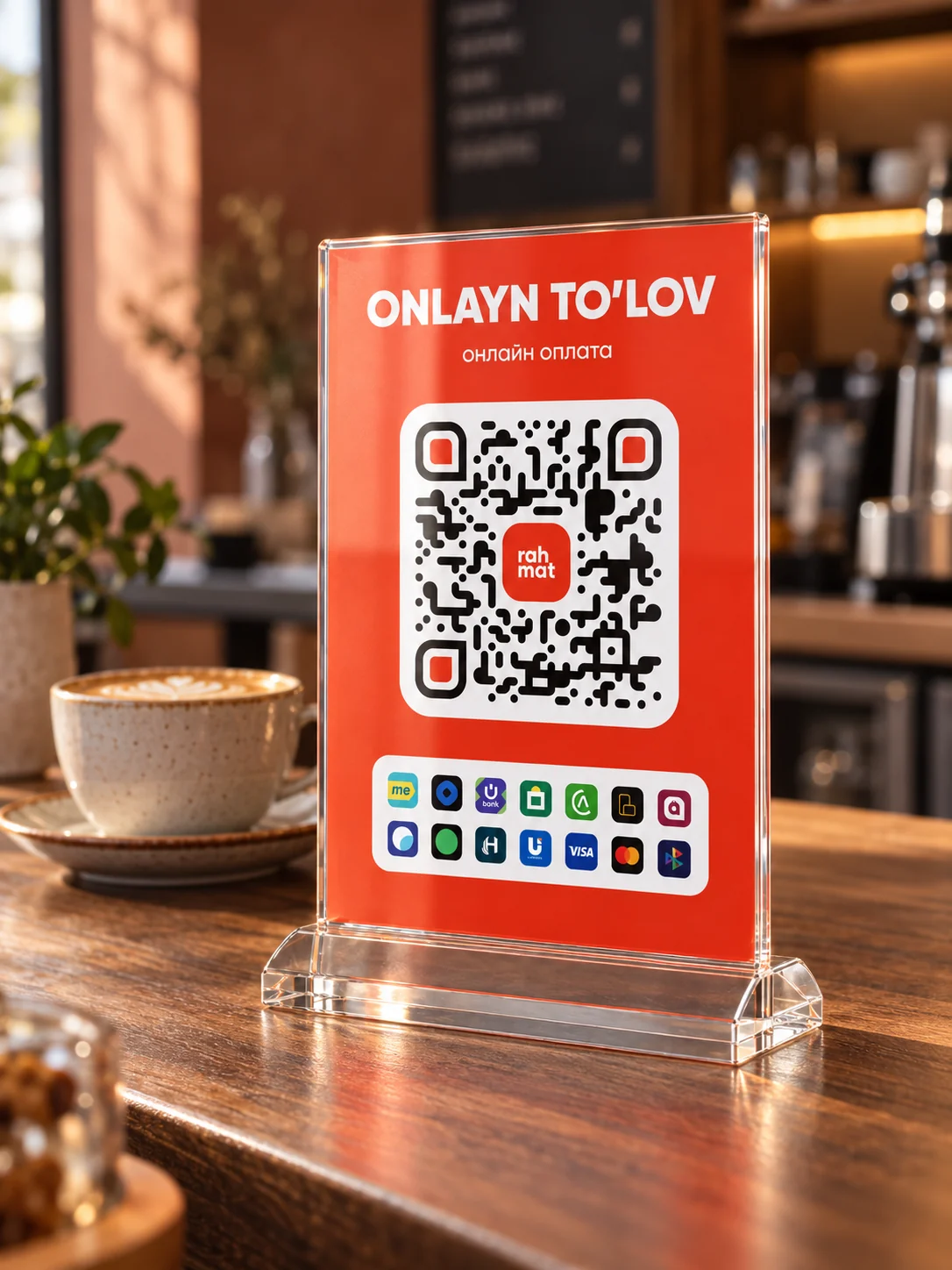
Rahmat QR is one QR code for payments by card, through payment services and banking apps.


Cards, transfers and bill payments for individuals. For the self-employed and sole proprietors: an account, payments and taxes.
Checkout solutions
Three Rahmat POS checkout solutions: two devices for the counter and software for a computer.
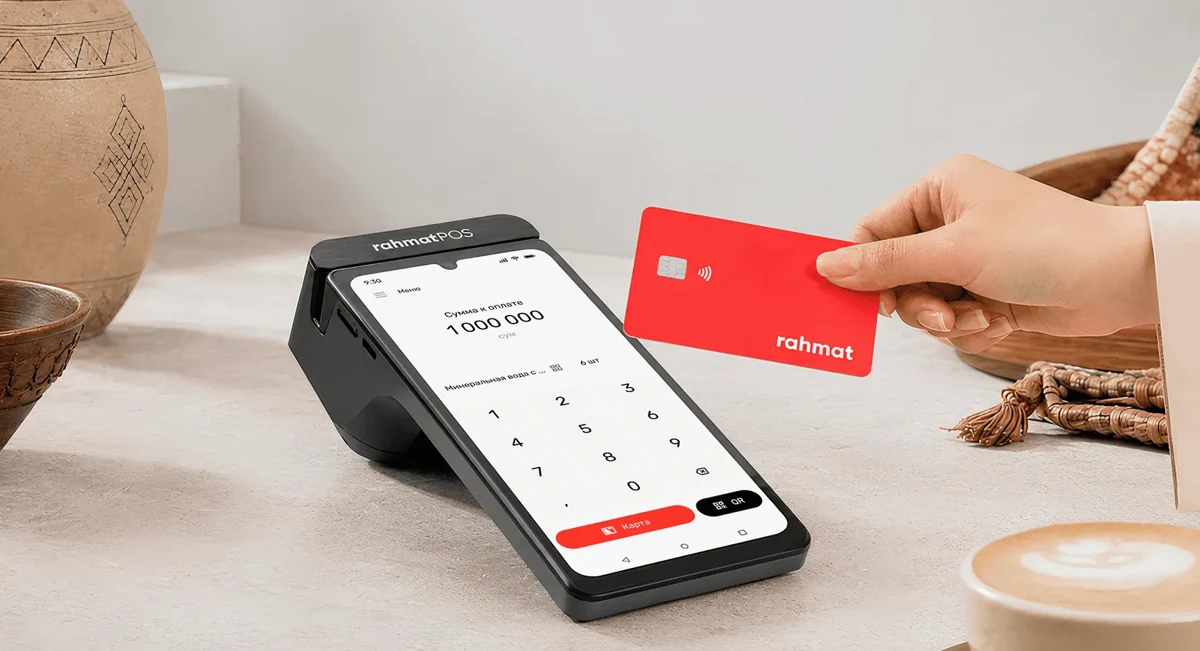
Online cash register
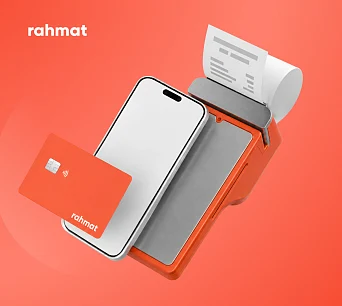
Payment acceptance, fiscal receipts and inventory management in one Rahmat POS device.
Learn more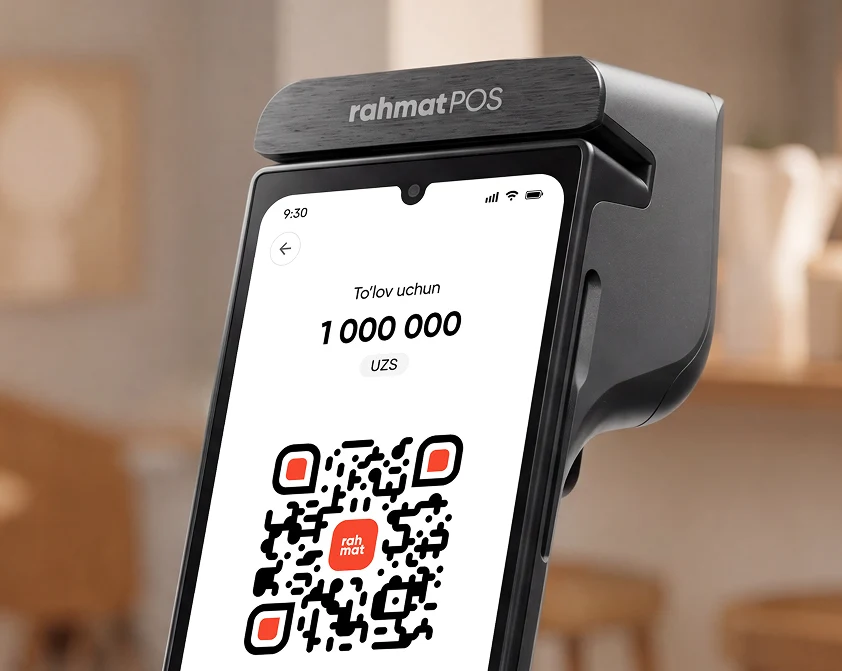
Payment terminal
Built on SUNMI P3, the terminal accepts HUMO, Visa, Mastercard and UnionPay, including contactless payments.
Learn more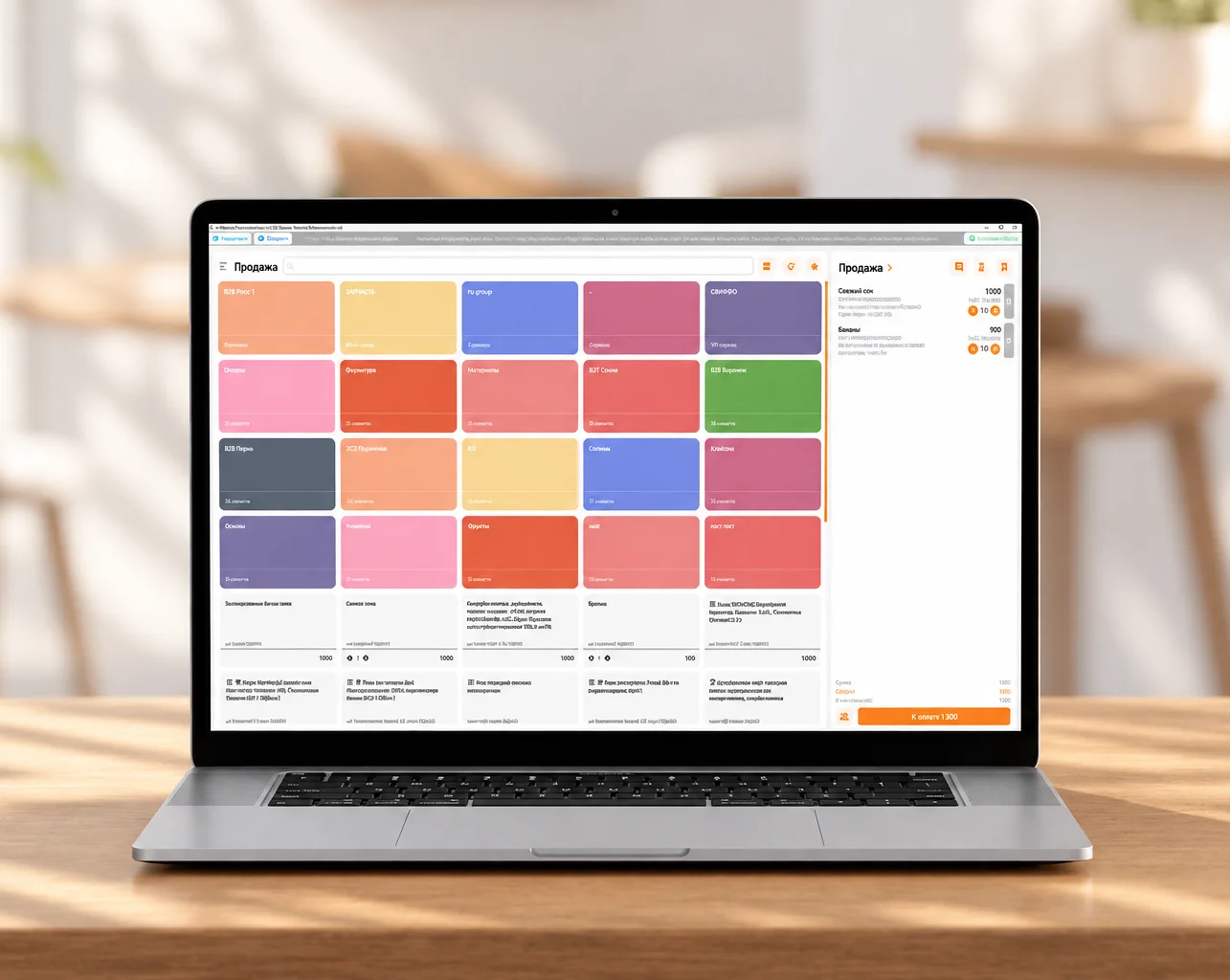
Virtual cash register
The software handles sales and inventory, fiscalises receipts and connects to other systems.
Learn moreRahmat PAY
Payment acceptance in store, on websites and in apps. Bulk payouts for settlements with partners.
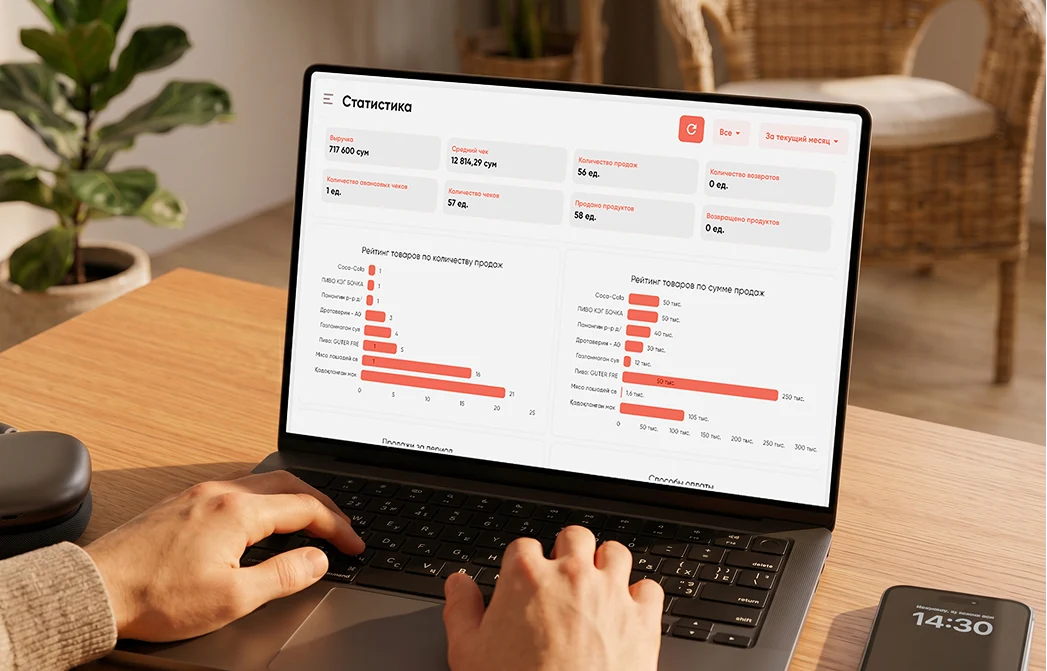
Online acquiring
Payments are built into the business’s digital service.
Learn more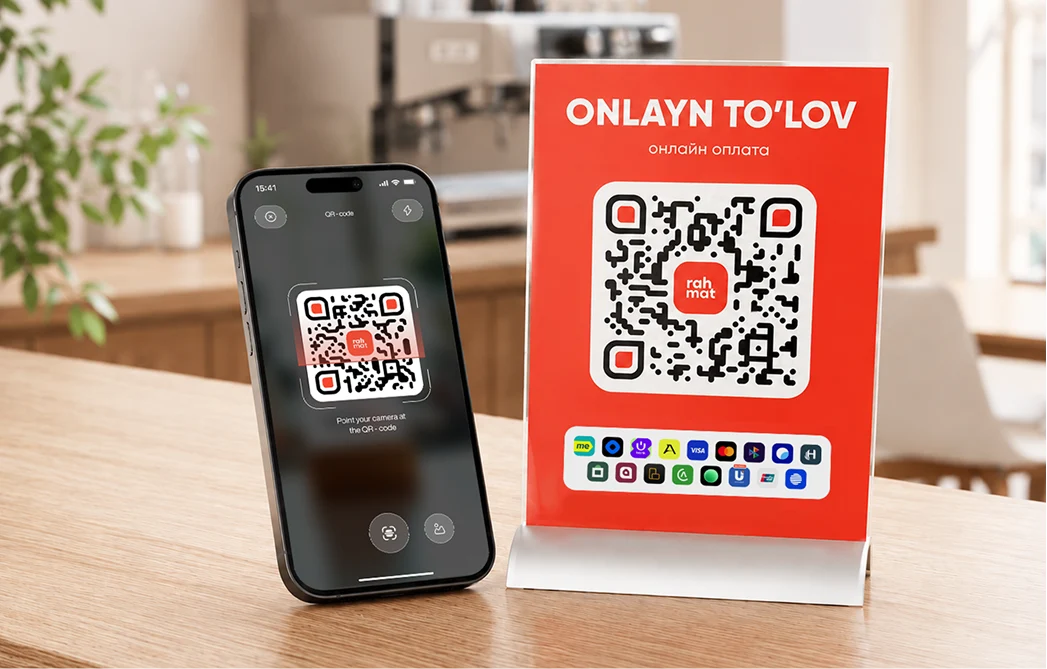
In-person acquiring
The customer scans the code and pays by card, through a payment service or a banking app.
Learn more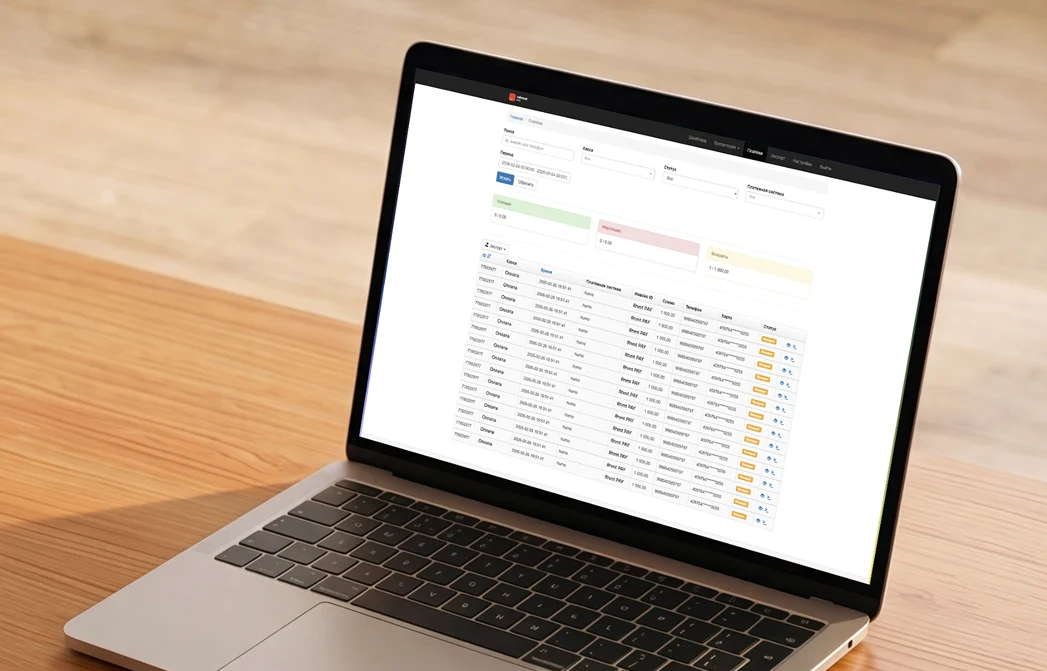
Bulk payouts
Rahmat sends payouts to individuals and partners.
Learn moreRahmat app
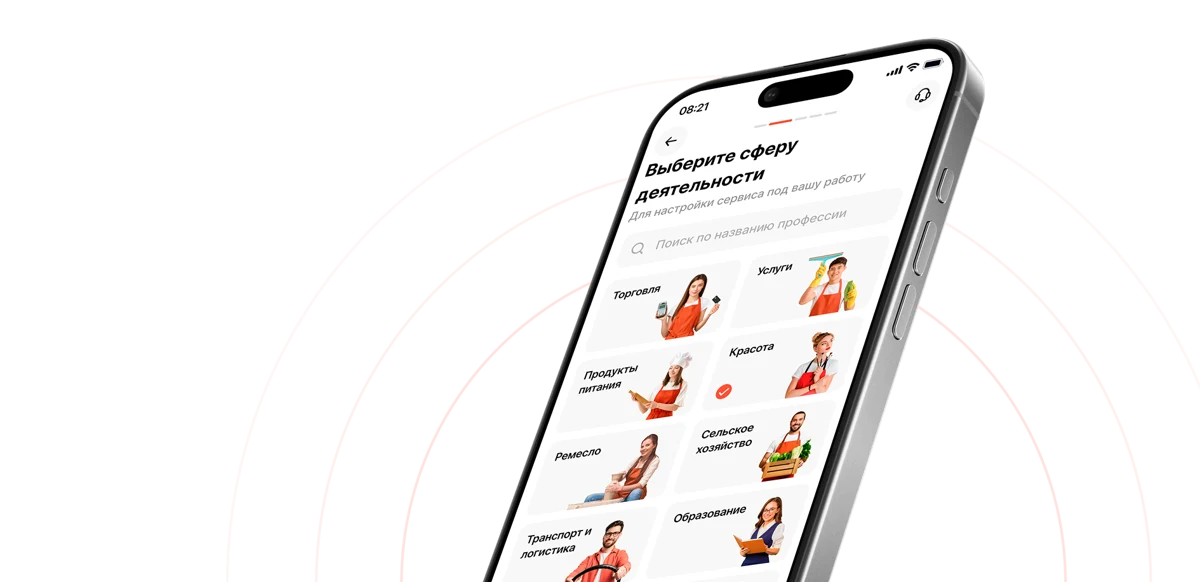
Rahmat is an online banking app for individuals: cards, transfers, bill payments and a limit of up to UZS 25 million. For the self-employed and sole proprietors: registration, an account, payments and taxes.
Solutions by industry
Payment solutions for businesses in Uzbekistan from Rahmat: online cash registers, payment terminals, acquiring and Unified QR. The Rahmat app has features for the self-employed and sole proprietors.

Payments, tips and online menus.
Guests pay by QR at the table.

QR code payments at the pump,
with no trip to the cash desk.


For a single store or a chain.
Payments, receipts and inventory.

News and guides
How payment acceptance works and which terms matter to businesses.
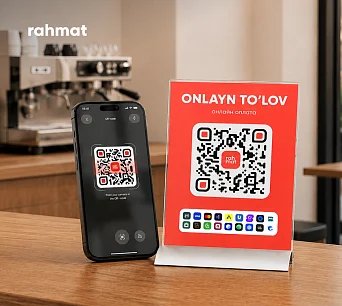
Unified QR features and how to connect.
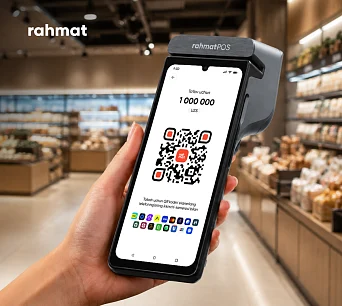
Which features a store needs and how to compare terminals.
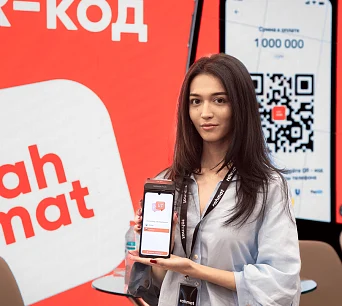
The Rahmat POS launch and highlights from the PLUS Forum.
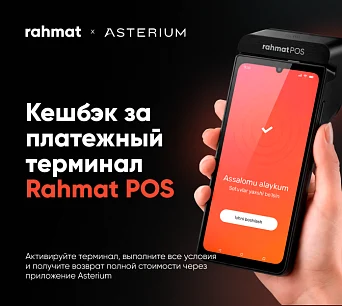
See the article for the terms of the Rahmat and Asterium campaign.
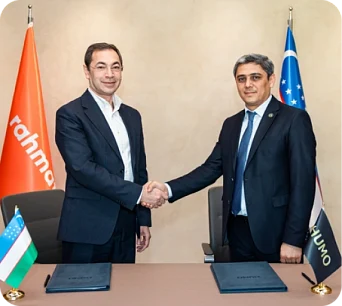
HUMO and Multicard sign a memorandum of cooperation.
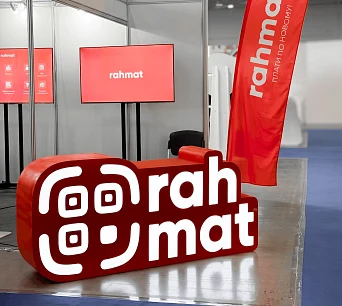
Solutions for restaurants and hotels at the industry exhibition.
FAQ
Answers about the smart register, the terminal and the virtual register. Other questions are answered on 1865 and in the support chat.
1865 Support chatIt combines payment acceptance, an online cash register and inventory management. Customers can pay by card, NFC or unified QR.
Yes. Rahmat works with iiko, R_keeper, MoySklad and 1C, and there is an open API for other systems. The onboarding team confirms the terms of each integration.
The register creates a fiscal receipt with a QR code and sends the data to the fiscal data operator using the device’s internet connection.
With a request at open.rhmt.uz or a call to 1865. The Rahmat team helps choose a solution and explains the next steps.
Rahmat support is available on 1865 and in a Telegram chat.
A smart register built on SUNMI P3. It combines a payment terminal, an online cash register and inventory management.
HUMO, Visa, Mastercard, UnionPay, contactless NFC payments and unified QR payments are supported.
Yes, the Rahmat POS online cash register is included in the official registry. It fiscalises receipts automatically and sends the data to the fiscal data operator (OFD).
The register stores data offline for up to 24 hours and synchronises it when the connection is restored.
Contact Rahmat support on 1865 or through its Telegram chat.
The payment terminal runs on the Android-based SUNMI P3.
Yes. The terminal accepts contact and NFC payments with HUMO, Visa, Mastercard and UnionPay cards.
SUNMI P3 runs for up to 8 hours in active use and up to 13 days on standby. Battery life depends on workload and conditions.
Through the built-in eSIM, a physical SIM card or Wi-Fi.
By phone on 1865 or in the Rahmat support chat.
Windows computers, laptops and tablets. It is suitable for shops, restaurants, pharmacies and other businesses.
The software can be downloaded from the product page or installed on request. Installation and setup can be done remotely.
Yes. The virtual register supports digital product marking and is included in the official register.
Unified QR payment acceptance, inventory management and automatic fiscalisation of receipts.
The Rahmat team, on 1865 or in the support chat.
Getting started
A Rahmat specialist selects payment solutions for the type of business and guides the connection process.
Get started