A self-employed account
Electronic registration through government services with a digital certificate. After registration a bank account is opened.
Rahmat app / Self-employed and sole proprietors
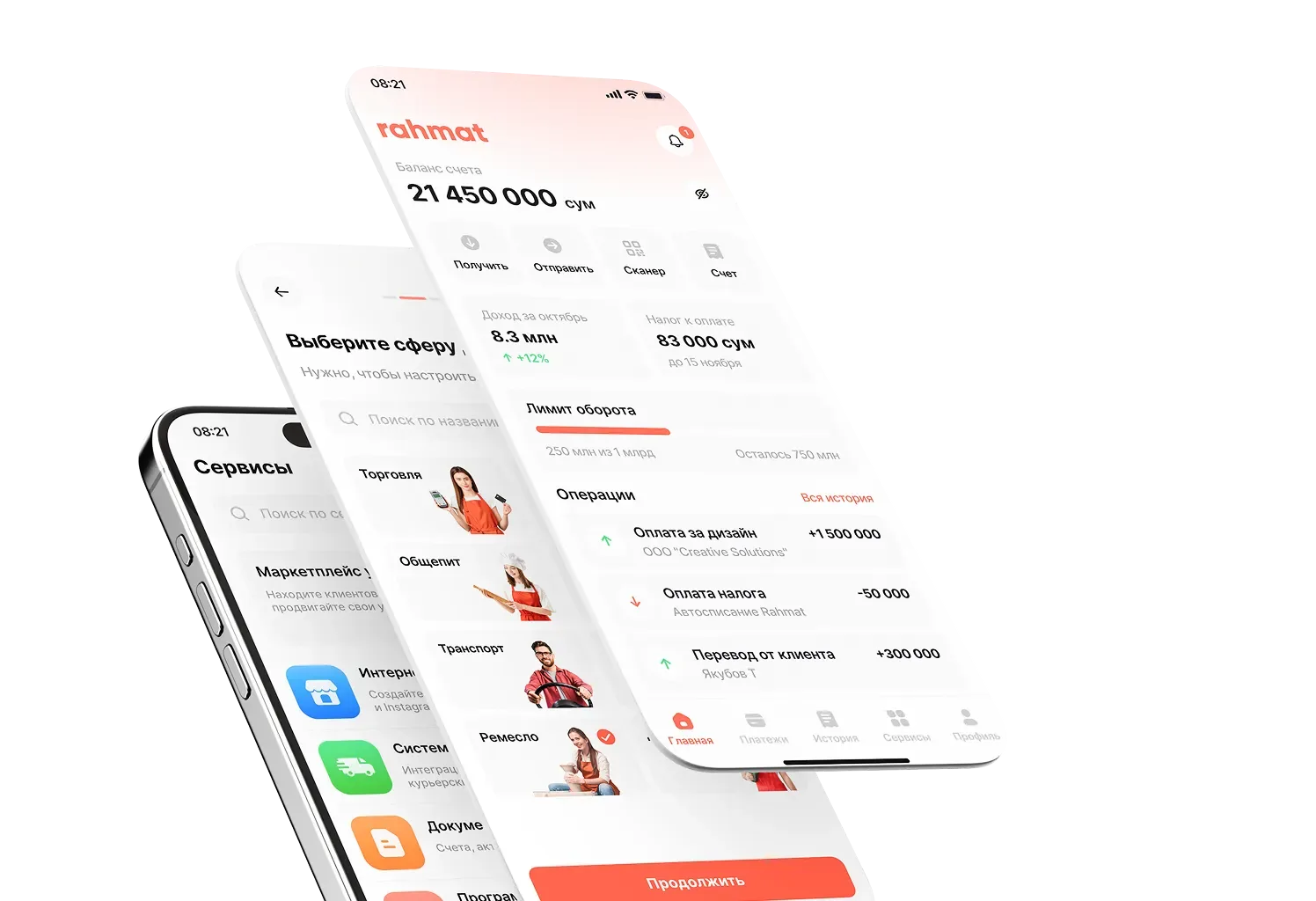
The Rahmat app has a self-employed account, QR and NFC payments, fiscal receipts and automatic payment of the 1% tax. The turnover limit is UZS 1 billion a year.

01 / Features
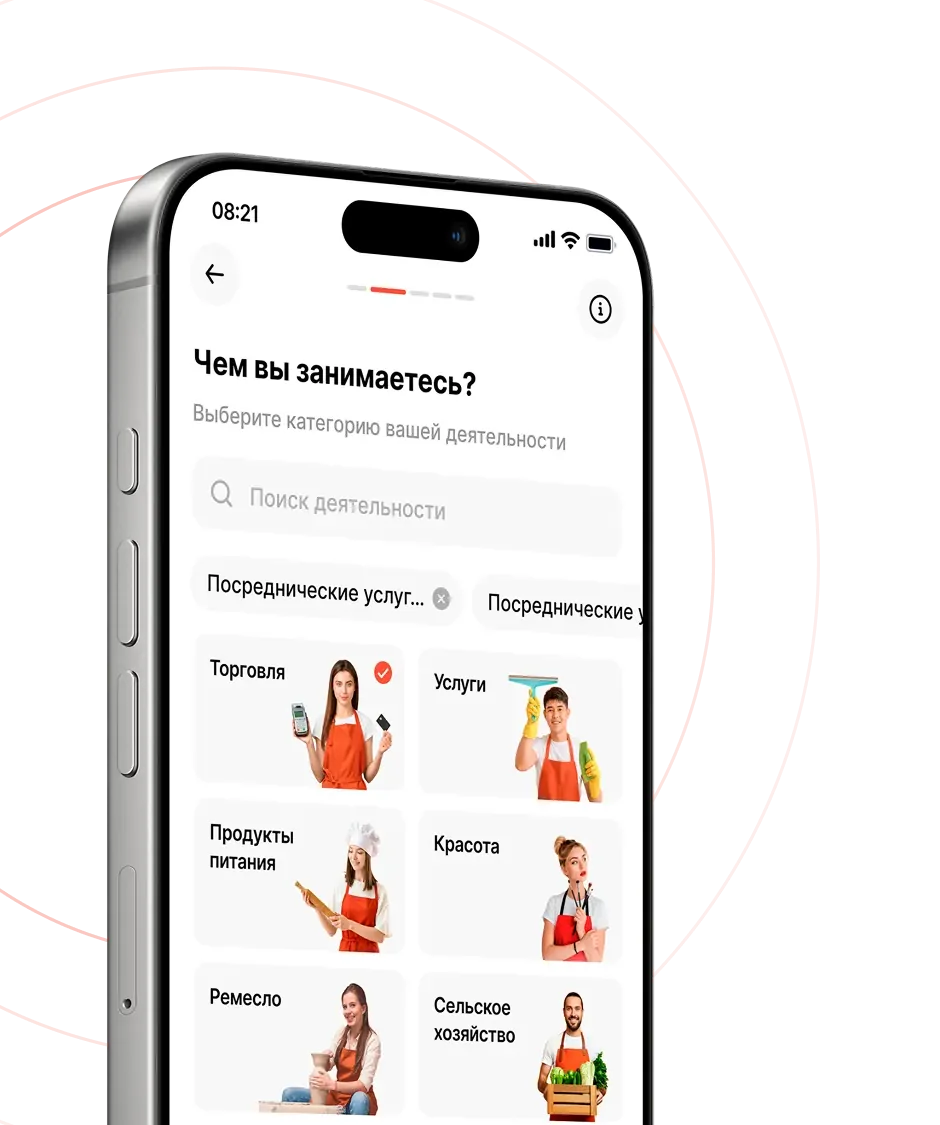
The line of work is chosen from a list in the app: retail, services, food, beauty, crafts, agriculture and more. After registration, a self-employed person or sole proprietor gets:
02 / Features for the self-employed and sole proprietors
Electronic registration through government services with a digital certificate. After registration a bank account is opened.
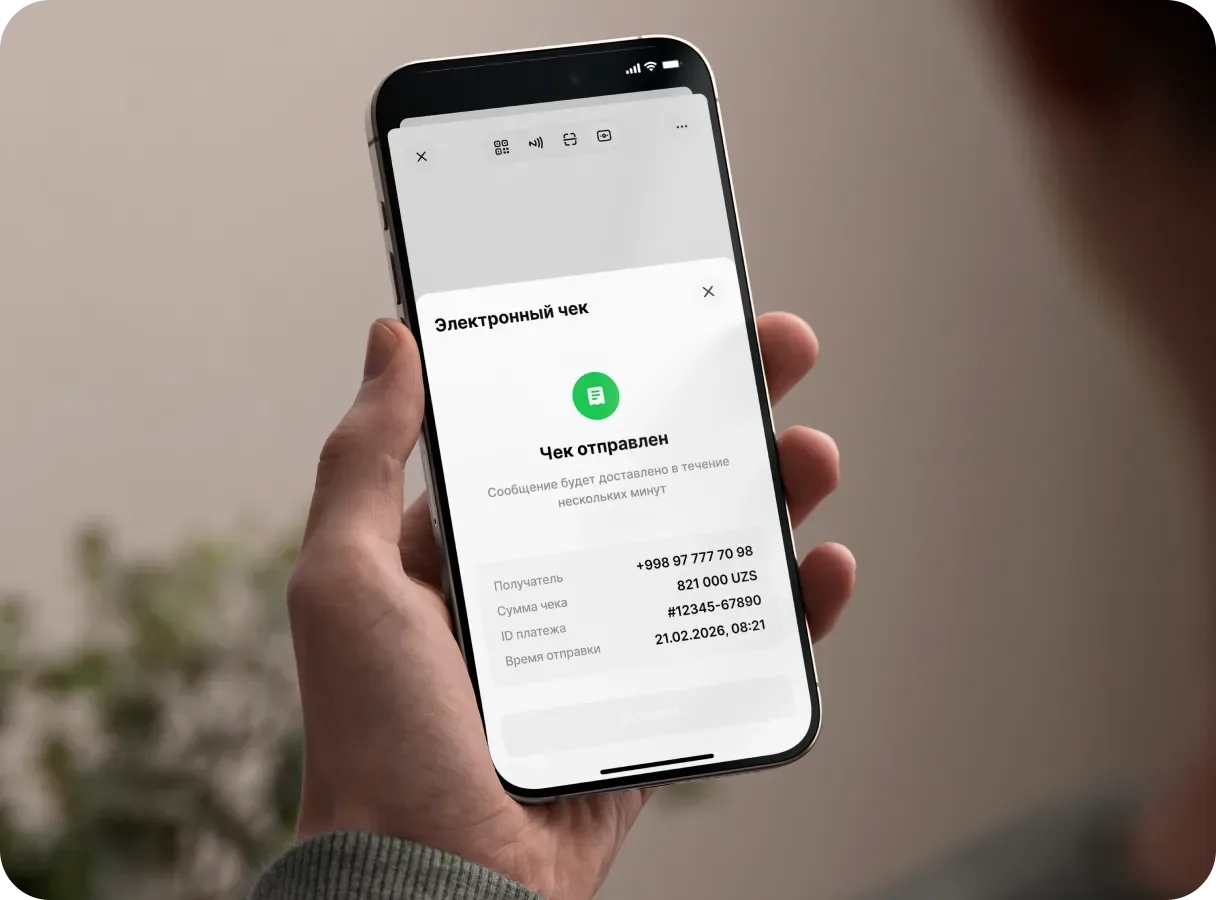
Every payment gets a fiscal receipt. The 1% tax is calculated and paid automatically under the law of the Republic of Uzbekistan.
Revenue for the day, month and year. The self-employed turnover limit is UZS 1 billion a year.
The official status confirms income, including for a loan application.
03 / Payments
Tap to Pay
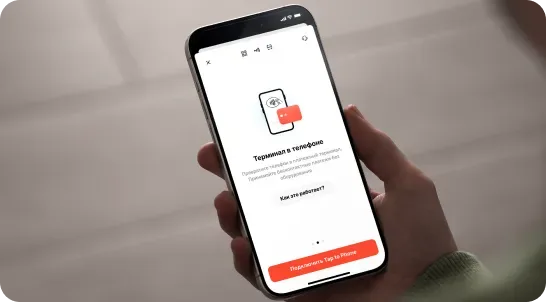
A phone with NFC accepts contactless card payments and works as a payment terminal.
Rahmat QR
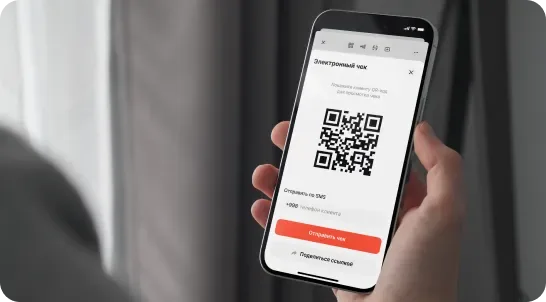
Rahmat QR accepts Uzcard, Humo, Visa, Mastercard, Click, Payme, Uzum: more than 15 payment methods in total.
04 / Payment acceptance
The phone works as a payment terminal; no equipment rental is needed.
The phone camera reads the QR code from the customer’s app.
The invoice goes to the customer as a link in any messenger.
A cash payment is recorded in the app, and the fiscal receipt is created automatically.
Money reaches the account right after the payment.
05 / Fiscalisation and taxes
The Rahmat app handles receipts and tax calculation itself. Legal status makes it possible to take out loans and confirm income.
06 / Withdrawals
A transfer from the self-employed account to the owner’s card, instantly.
A transfer to any organisation’s account by its bank details.
Payments to the state budget from the app.
07 / Registration
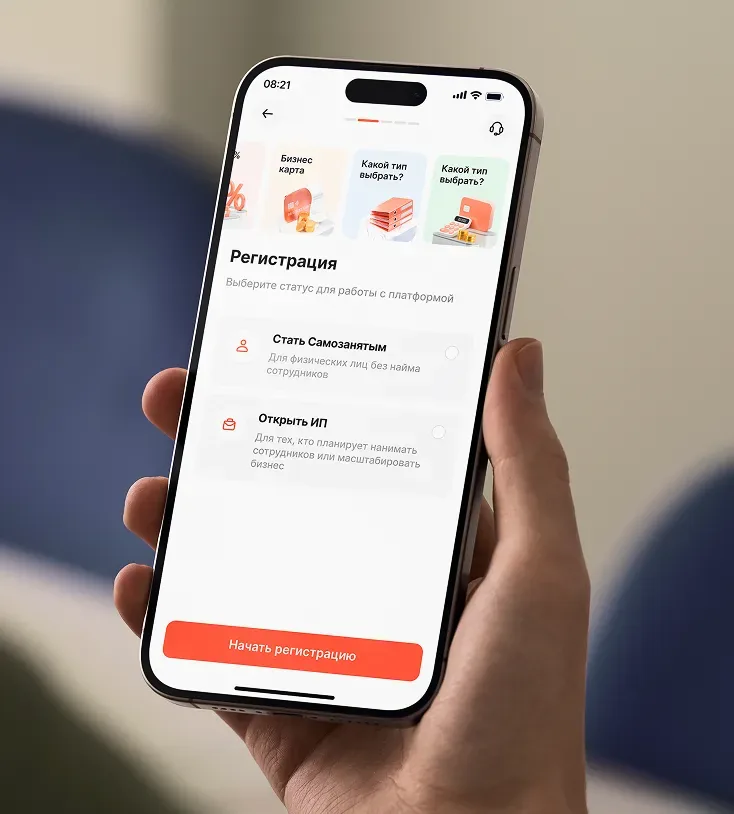
The Rahmat app offers two statuses:
08 / Getting started
Enter the line of work and the address where services are provided.
Identification is done online, in the app.
A registration certificate, a bank account and all the ways to accept payments are issued.
09 / Google Play and App Store
Rahmat is available on Google Play and the App Store. The features for the self-employed and sole proprietors work in the same app as online banking.
10 / Questions and answers
Other questions — on 1865 or in the support chat.
1865 Support chatIn the Rahmat app, the line of work and the service address are selected, then online identification is completed. Registration is electronic, through government services; a digital certificate and a bank account are issued afterwards.
Self-employment is for individuals who do not hire staff. A sole proprietorship is for those who plan to hire staff or grow the business. Both statuses are chosen at registration in the Rahmat app.
A 1% turnover tax. The Rahmat app calculates and pays it automatically under the law of the Republic of Uzbekistan.
No. With Tap to Pay, a phone with NFC accepts card payments like a payment terminal, so there is no terminal to rent. Payments are also accepted by Rahmat QR, by link and in cash.
Right after the payment.
Money goes from the self-employed account to the owner’s card, to an organisation’s account by bank details or to the state budget.
UZS 1 billion a year. Revenue for the day, month and year is shown in the app.
On Google Play and the App Store. The QR code and links are on the app download page.
Rahmat app
The app is on Google Play and the App Store. Questions — on 1865.