Payment
The bill on the phone screen
The guest pays the bill on their own, by card or through a payment app.
RAHMAT QR / UNIFIED QR
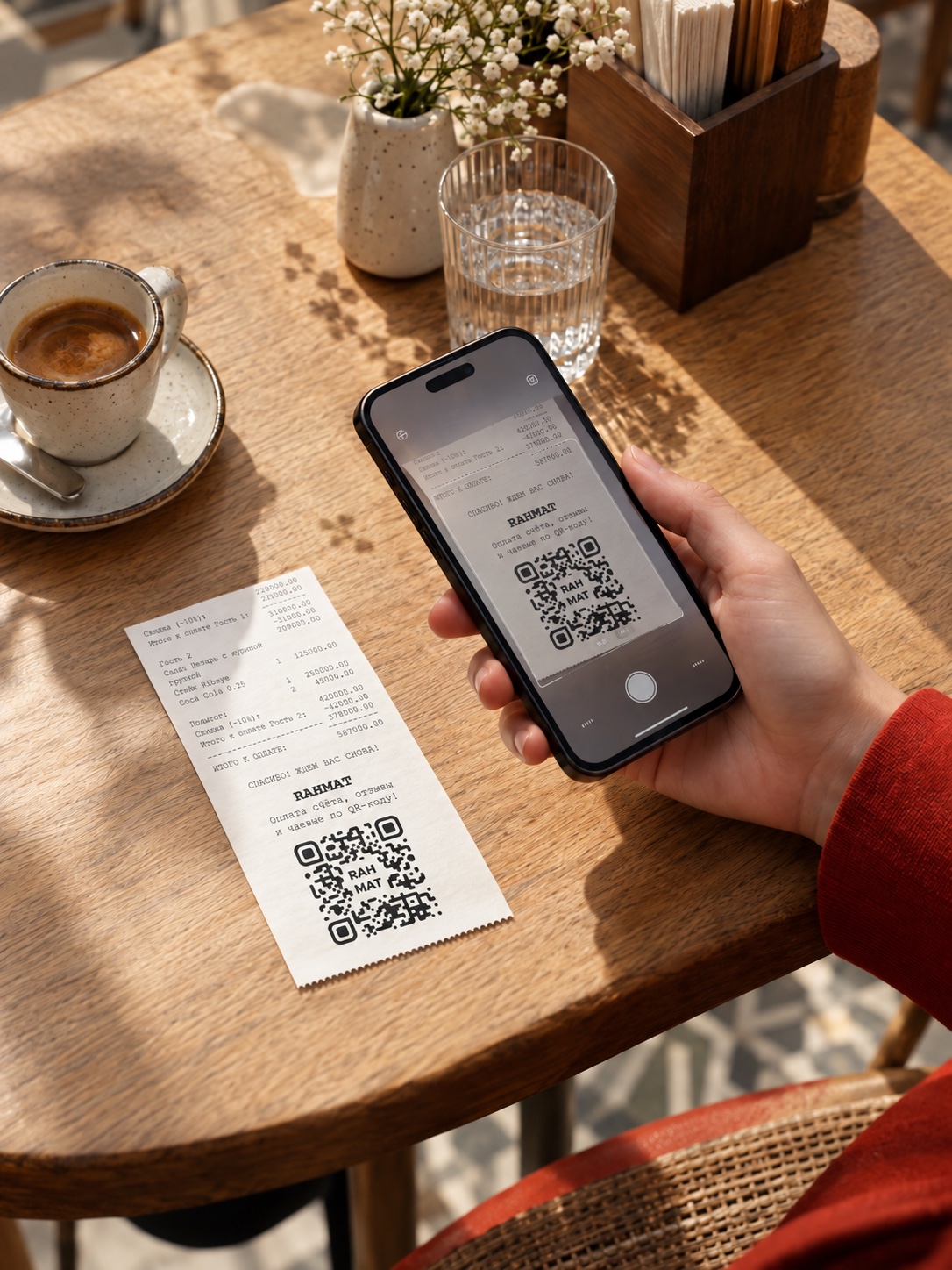
The phone camera reads Rahmat QR and opens the payment page with the bill, tips and a review. Payment is by card or through Payme, Click, Uzum and other services.
At cafés, shops, pharmacies, salons and fuel stations
Cards and payment appsAvailable options are shown on the bill page


01 / PAYING THE BILL
Using a café bill
as an example.
Rahmat QR stands on the table or is printed on the bill brought to the table. The guest scans the code with a phone camera and opens the link.
A regular phone camera is enough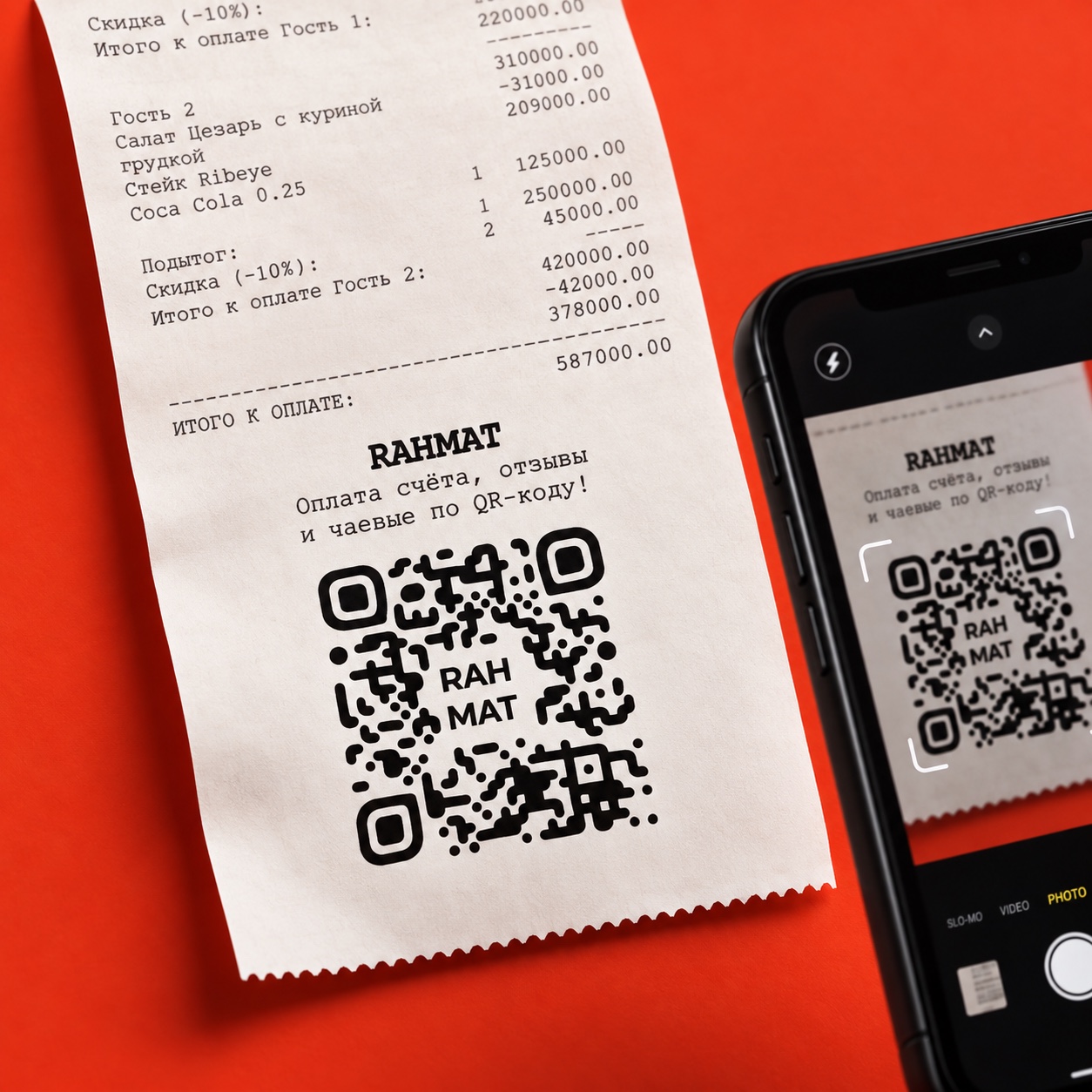
The guest checks the business name and the amount. If the amount field is empty, the amount is entered from the bill. Then the guest chooses a card or a payment app.
A payment method can be chosen in the demoPayment exampleAmount on the bill
Selected: Payme
On-screen prompts guide the payment through to the end. The payment has gone through when a confirmation appears on the screen.
The payment confirmation can be savedThanks. Have a good evening!
Step 1 of 3. Point the camera at Rahmat QR.
02 / PAYMENTS, TIPS, REVIEWS
The guest pays the bill on their own, by card or through a payment app.
The guest leaves a cashless tip for a staff member if the business has enabled this feature.
The guest writes how the visit went. The venue receives the review.
03 / LOOK FOR THE QR
The code is printed on paper
or shown on a screen.
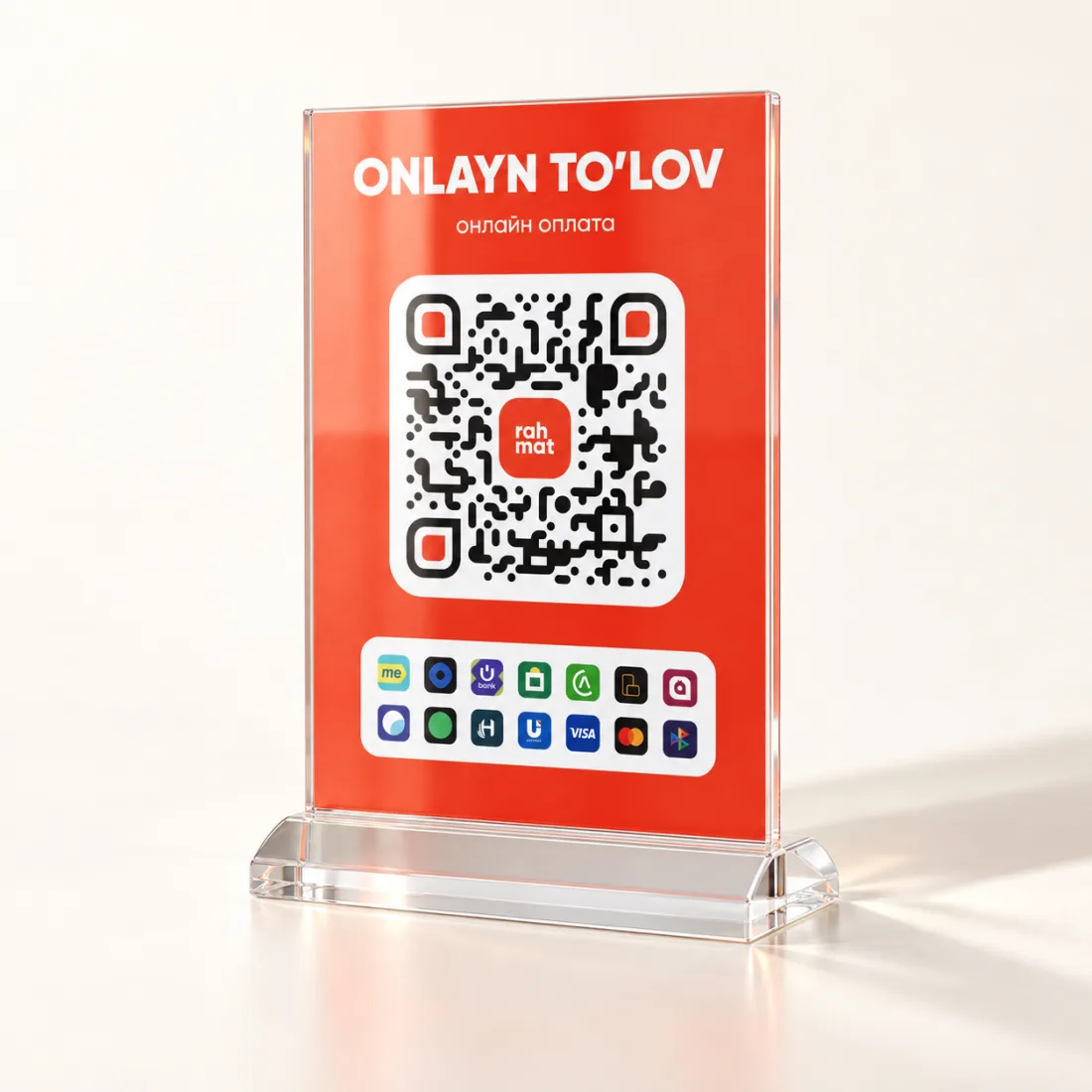
The code sits in a stand on a table or counter. The link in the code opens the payment page.
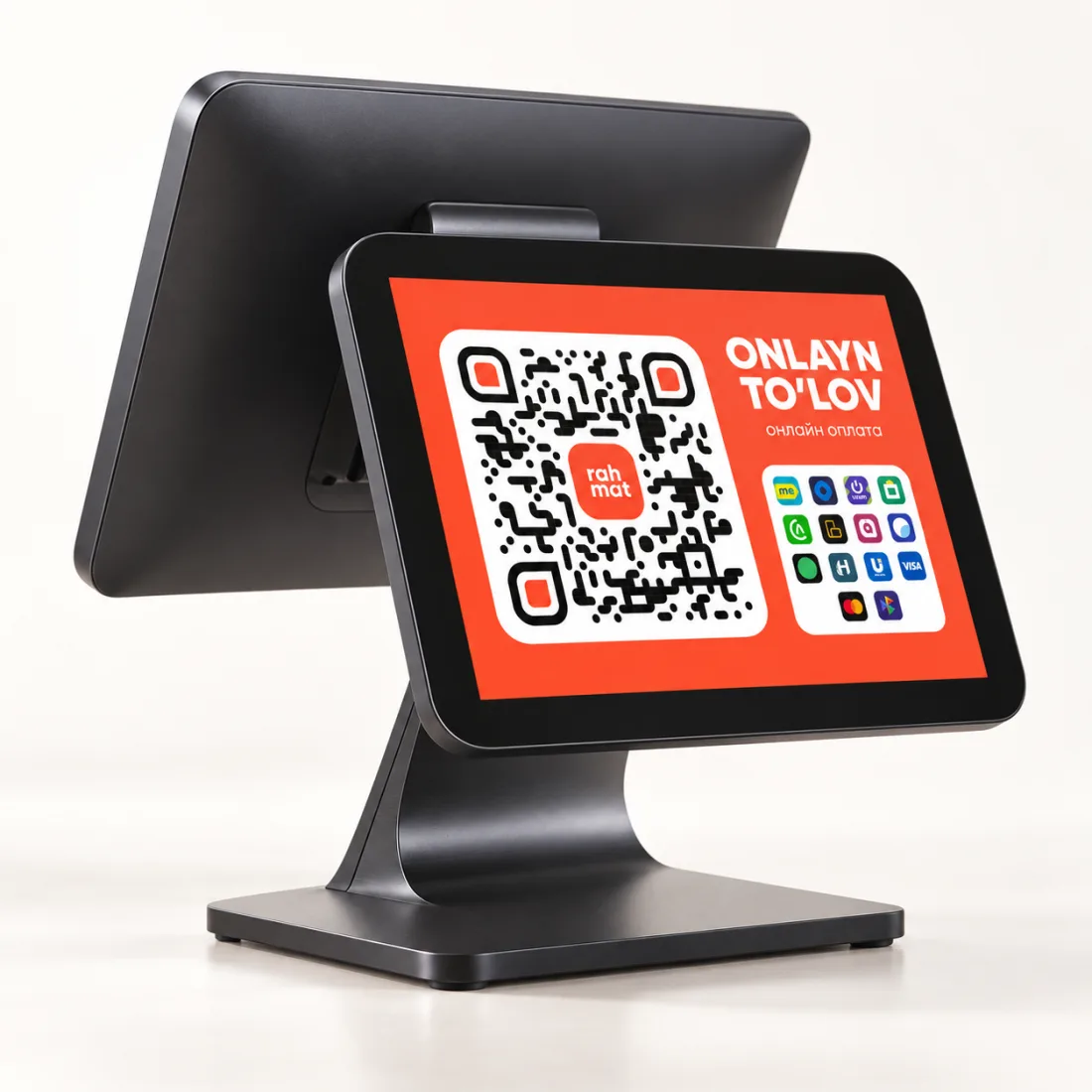
Rahmat QR is on the checkout screen facing the customer. The code is scanned with a phone.
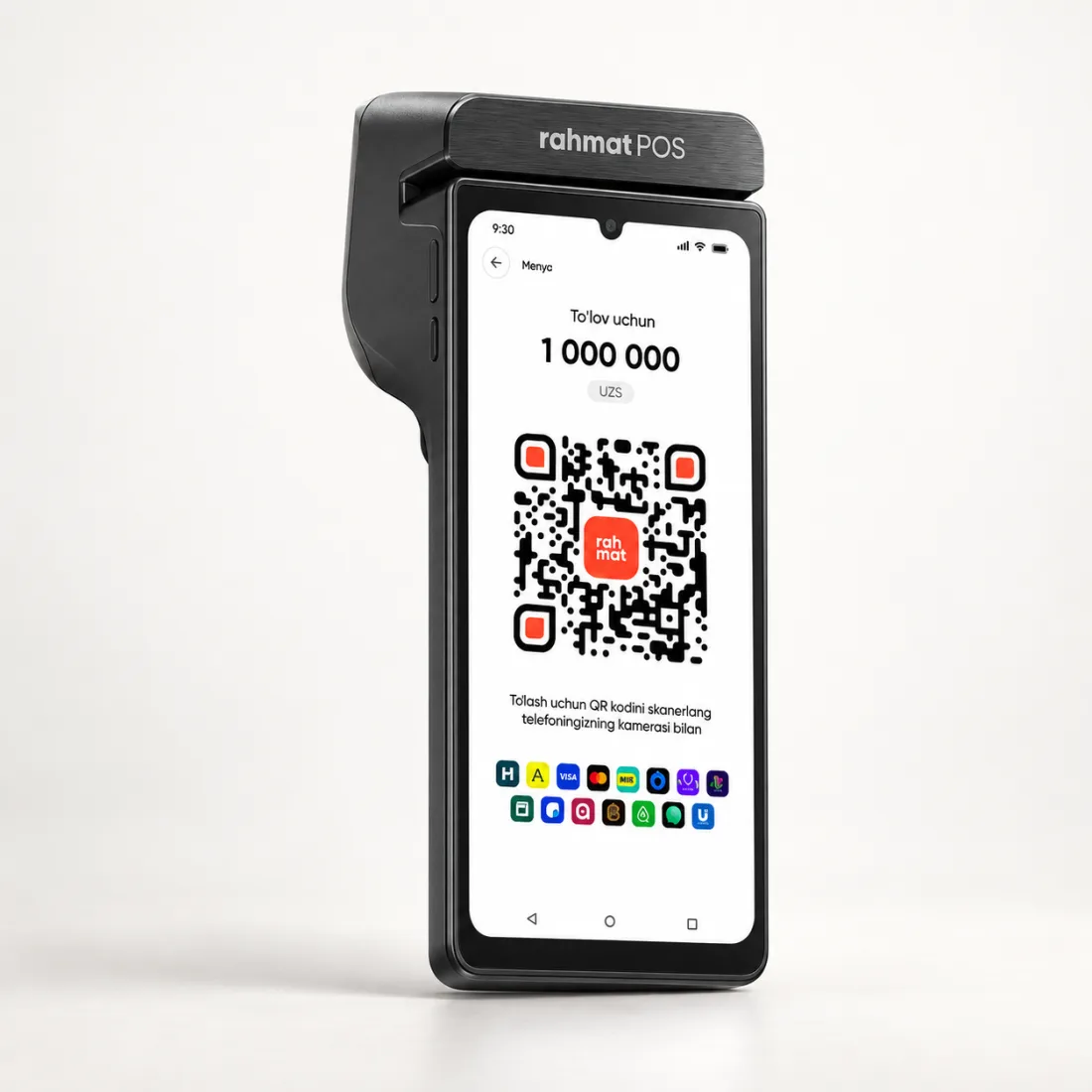
The terminal shows a QR on its screen. Instead of paying by card, the customer scans the code with a phone camera.
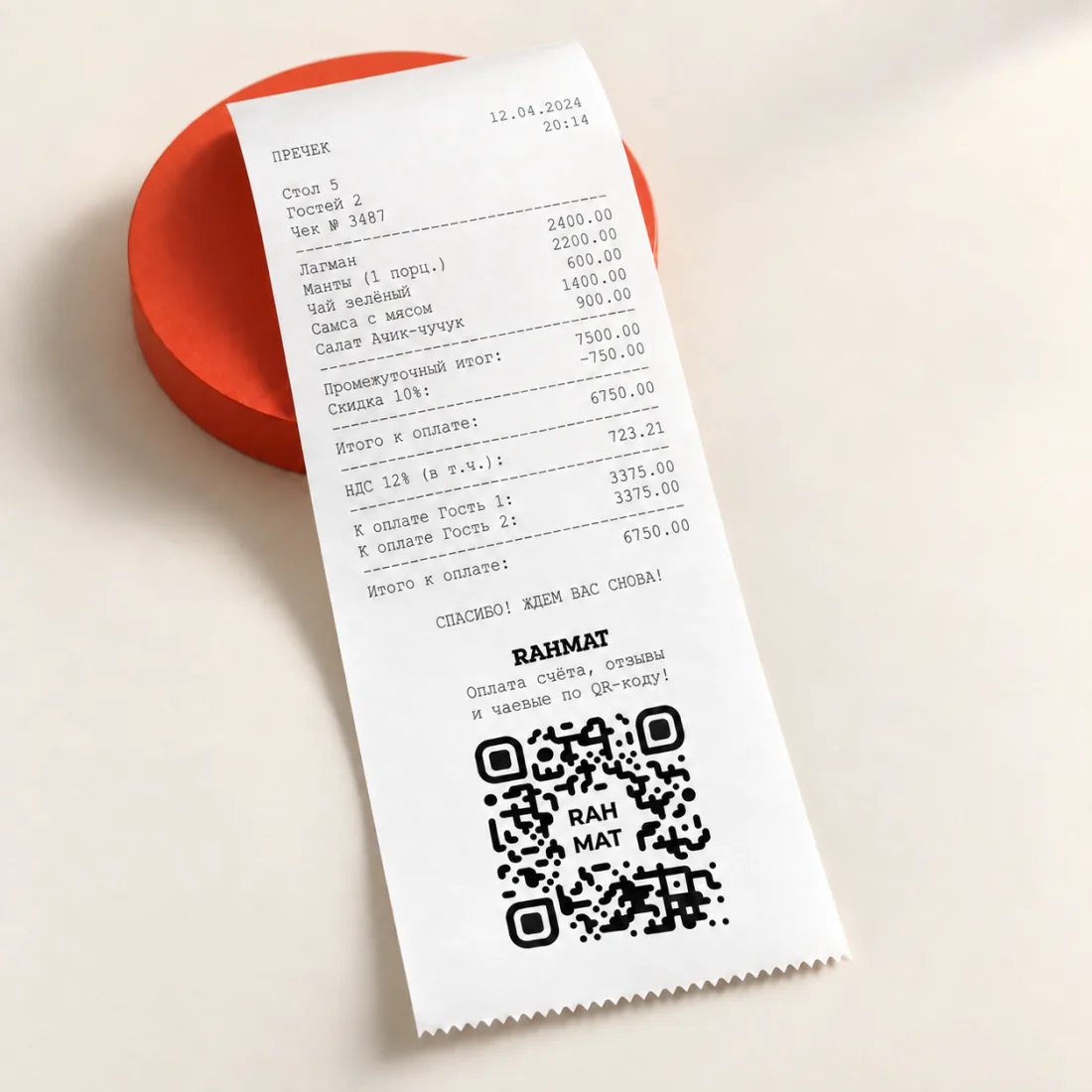
The QR is printed at the bottom of the bill. The bill is paid right at the table.
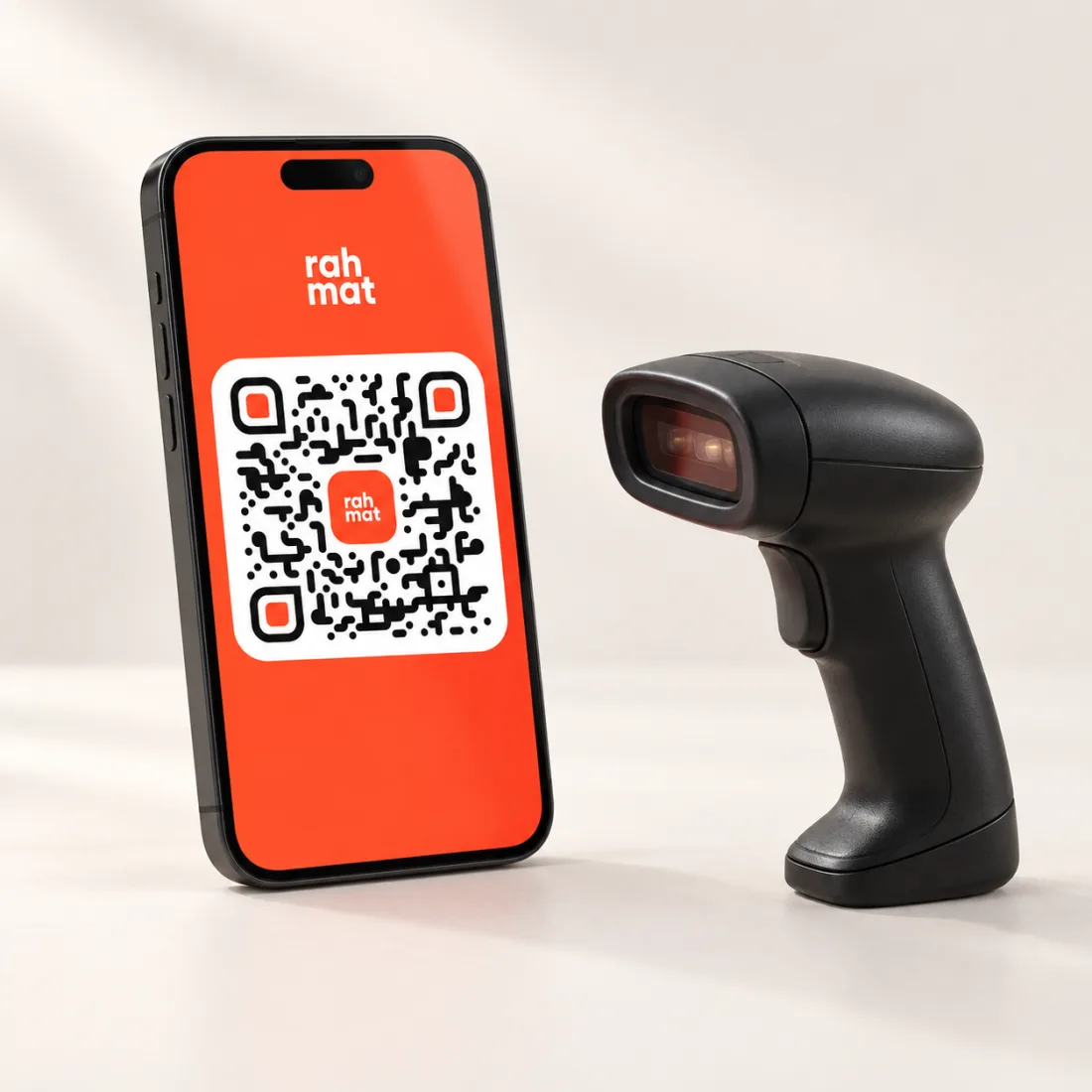
The customer opens a payment QR in an app and shows it to the cashier. The cashier scans the code.
04 / WHERE RAHMAT QR IS ACCEPTED
Rahmat QR works wherever
a business has enabled QR payments.
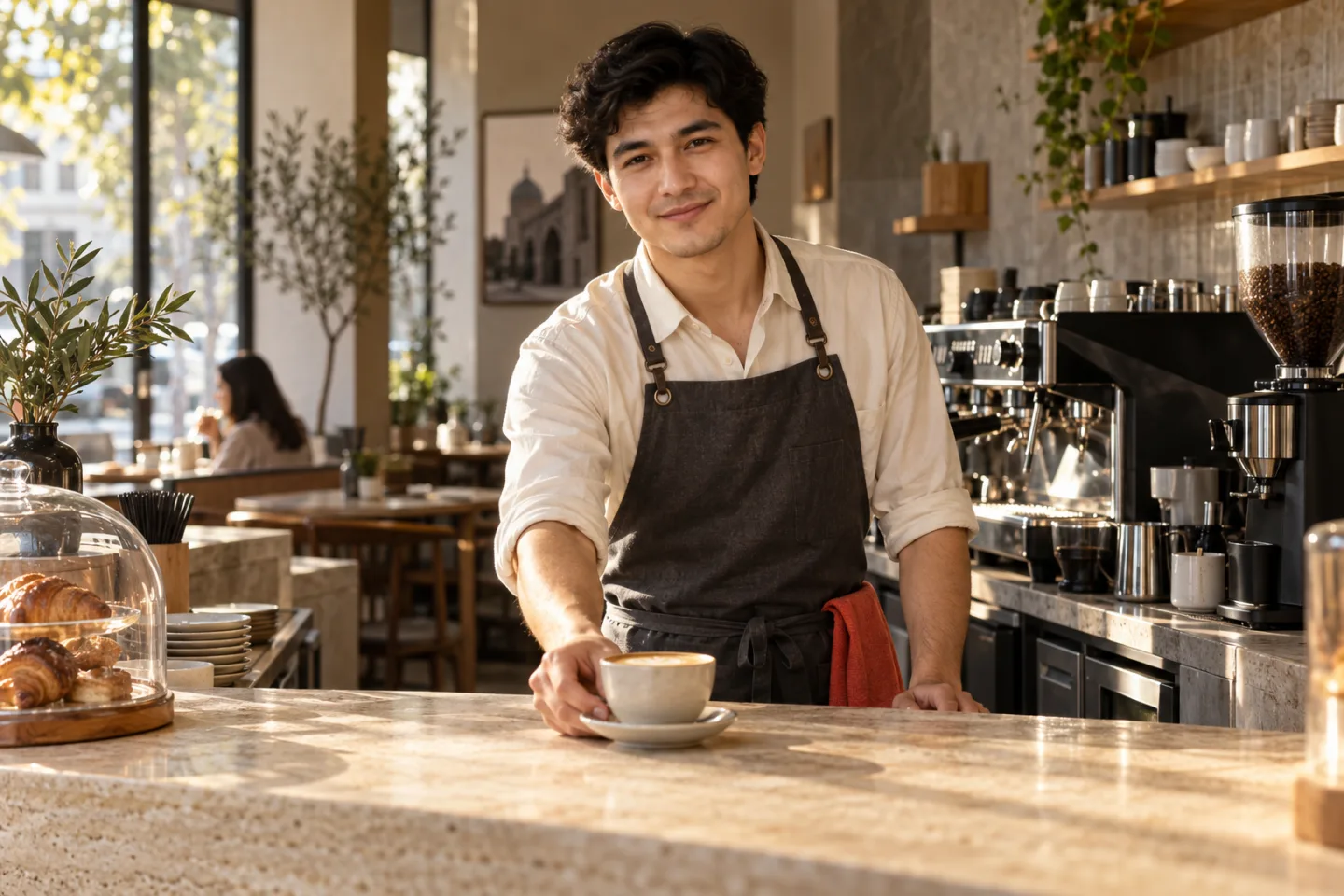
Paying the bill at the table —
via a table stand or the printed bill.
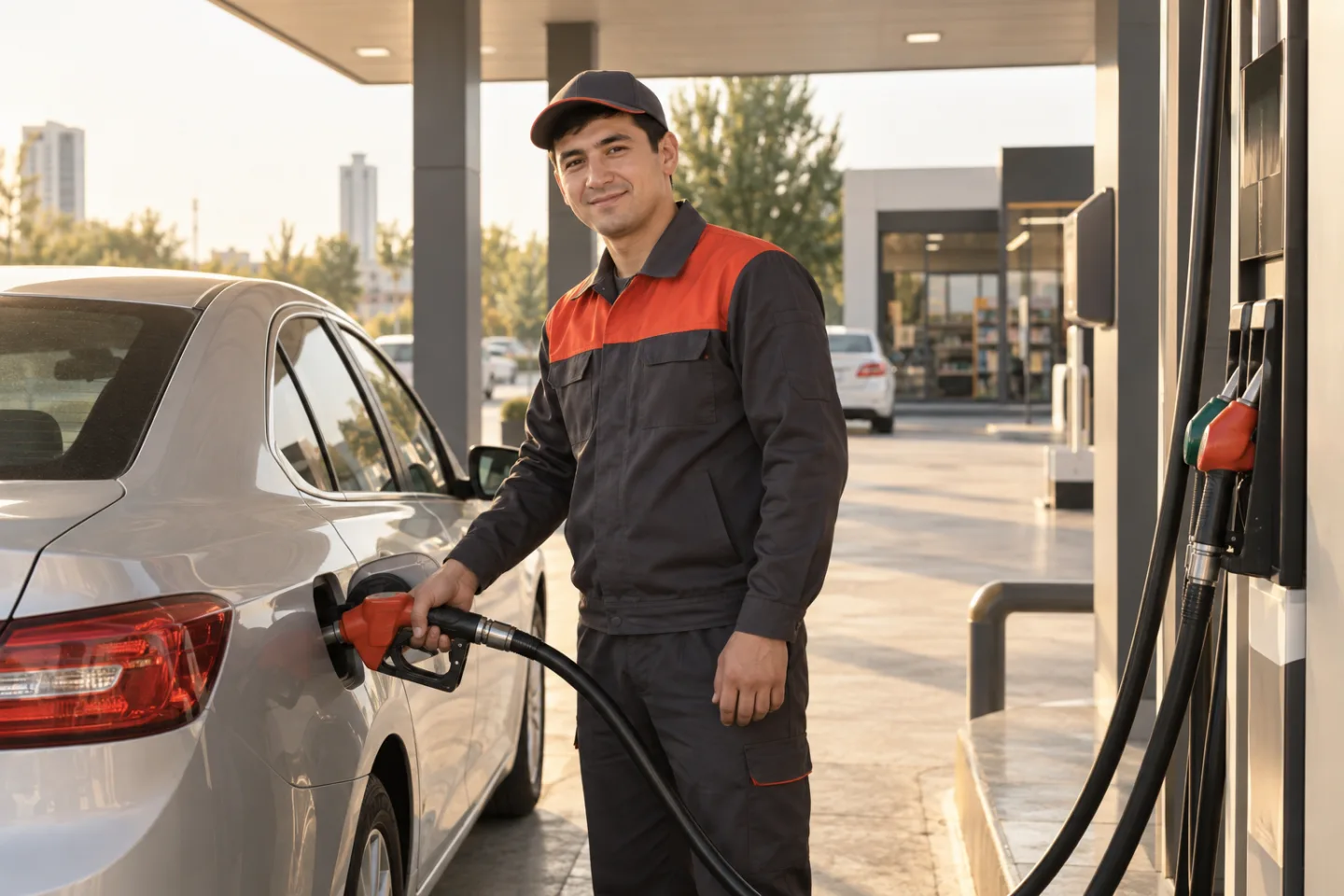
QR payment
right at the pump.
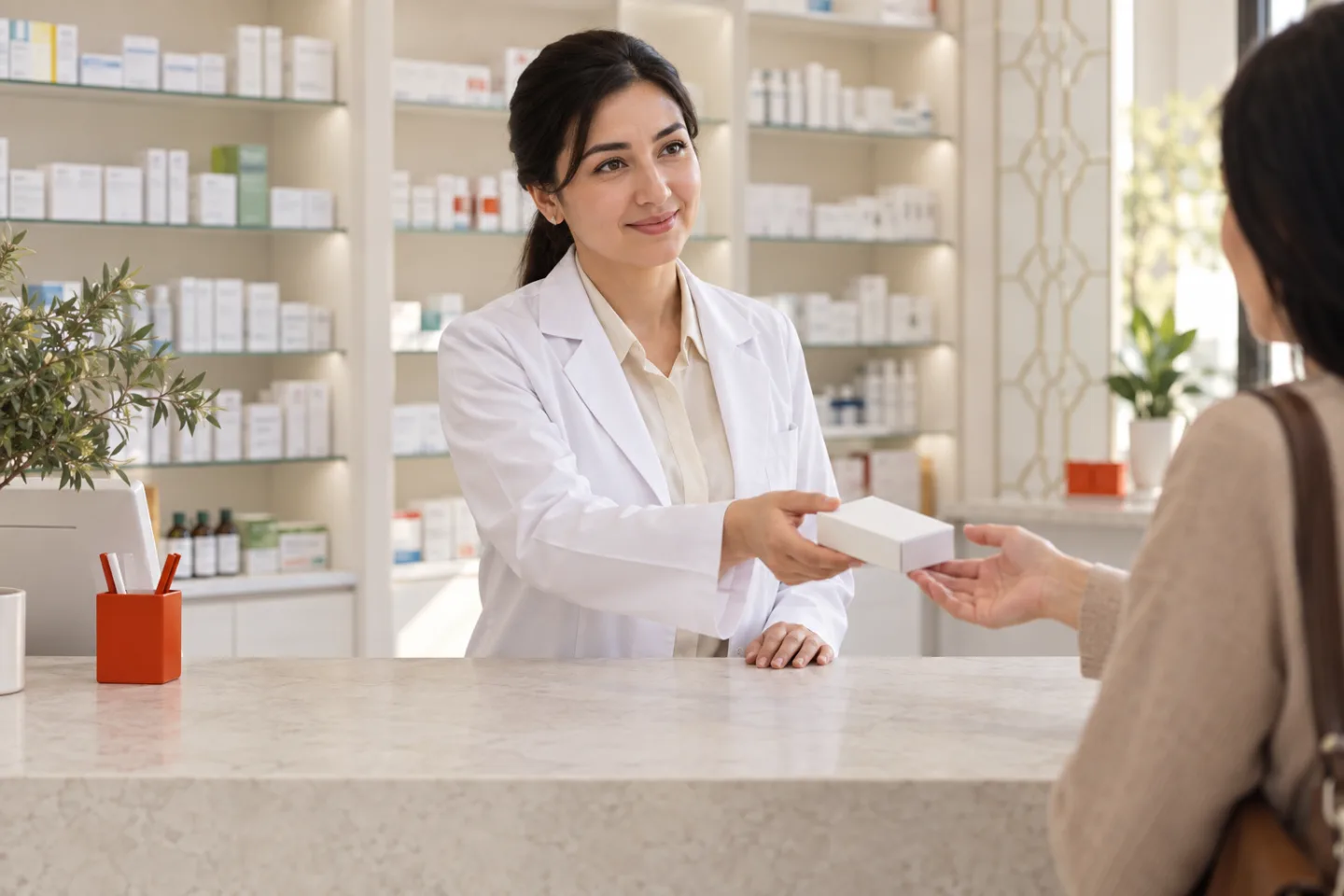
Cashless QR payment
for purchases.
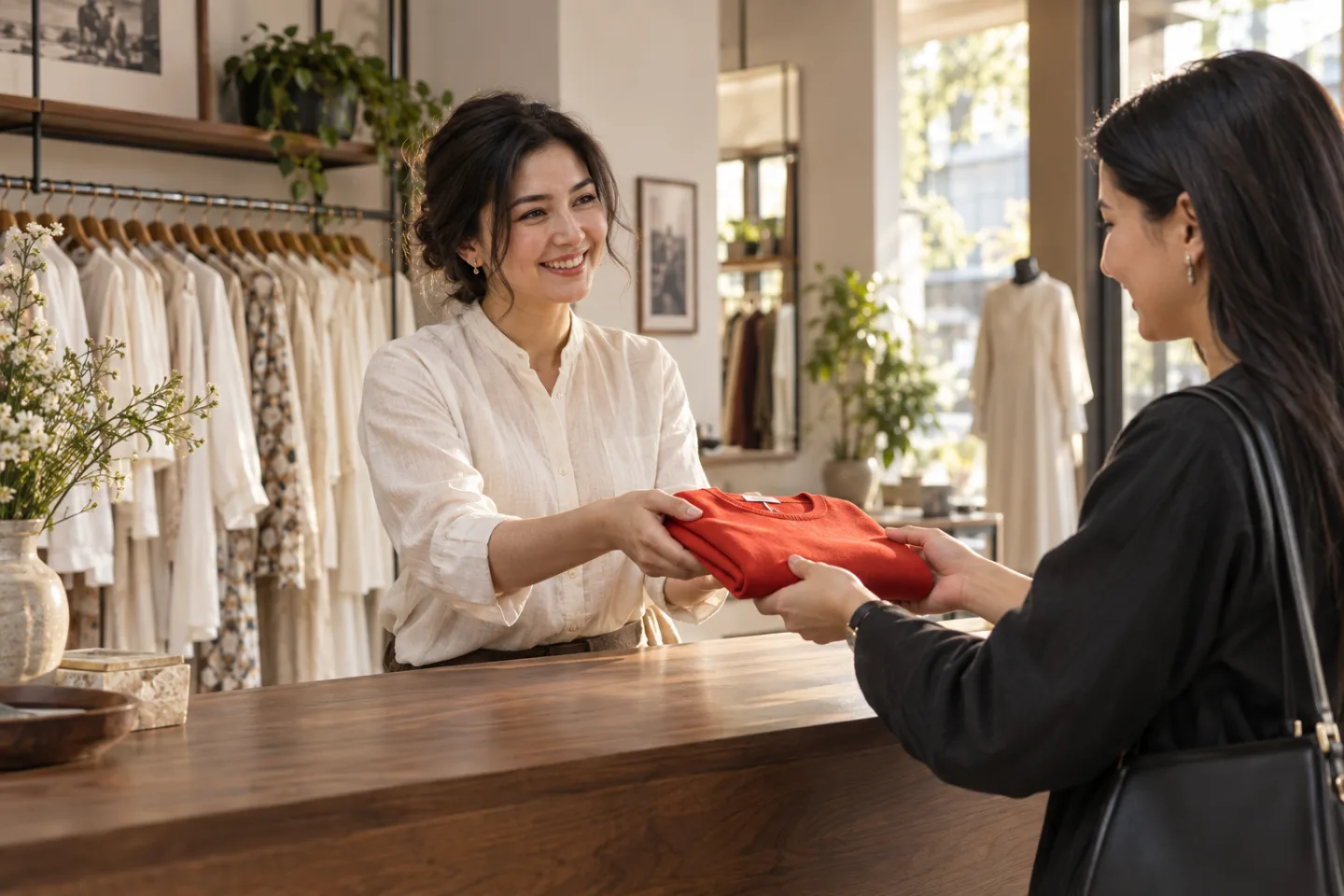
The QR on the checkout screen
or the payment terminal.
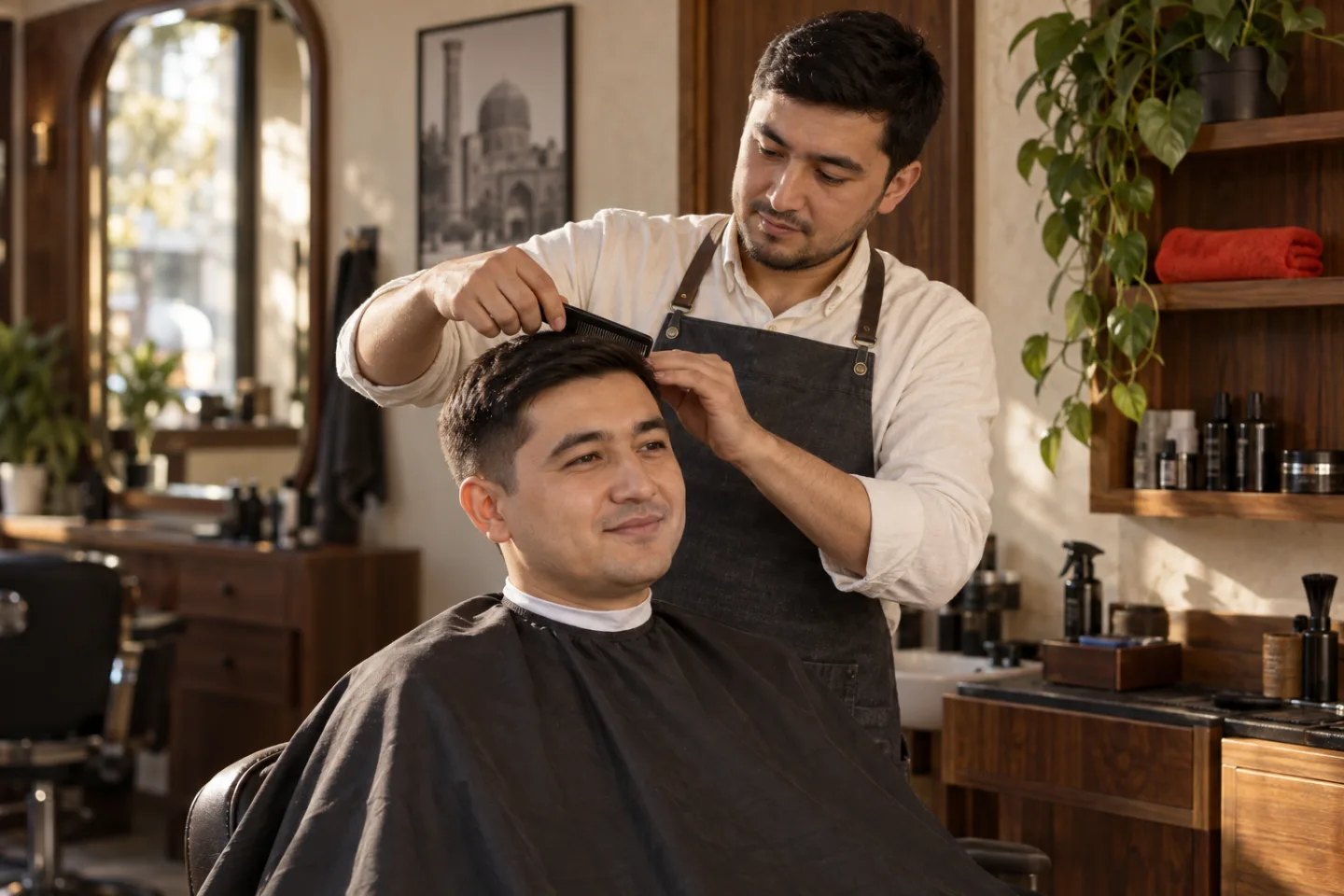
Paying for a haircut or a class
by phone.
05 / HELP
Answers for guests. Other questions are answered in the Rahmat support chat.
Contact supportA phone camera is enough to open the Rahmat QR link. The payment itself goes through in a browser or in the chosen service’s app, depending on the payment method. A QR to show the cashier opens in a payment app.
By card or through a payment app such as Payme, Click or Uzum. The full list of methods appears on the bill page.
On a table, counter, printed bill, checkout screen or payment terminal screen. If there is no code, the staff can say whether Rahmat payments are accepted there.
Yes, if the business has enabled these features. The Rahmat page then shows buttons for tips and reviews.
The first step is to check the payment status in the chosen service. If money was debited but there is no confirmation, there is no need to pay again right away. In this case, the venue staff and Rahmat support can help. The transaction confirmation should be kept.