Card, NFC and QR payments
HUMO, Visa, Mastercard and UnionPay cards, contactless NFC payments and the Rahmat Unified QR with 12+ services and banks.

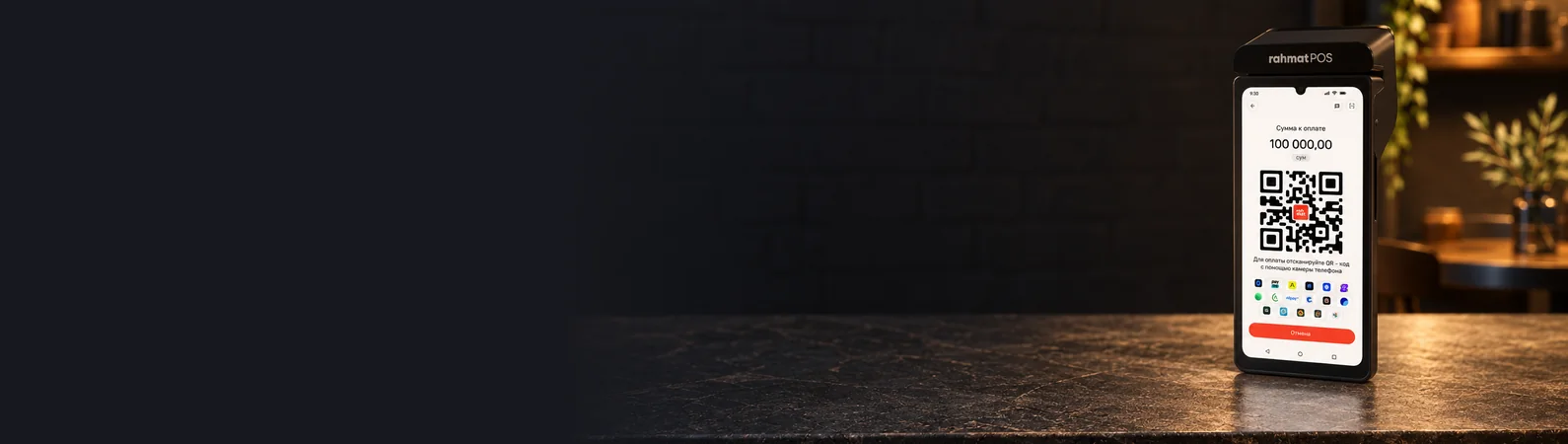
Rahmat POS / 3-in-1 register
The Rahmat POS online cash register on SUNMI P3 accepts payments, issues fiscal receipts and keeps track of inventory. It suits retail and services.
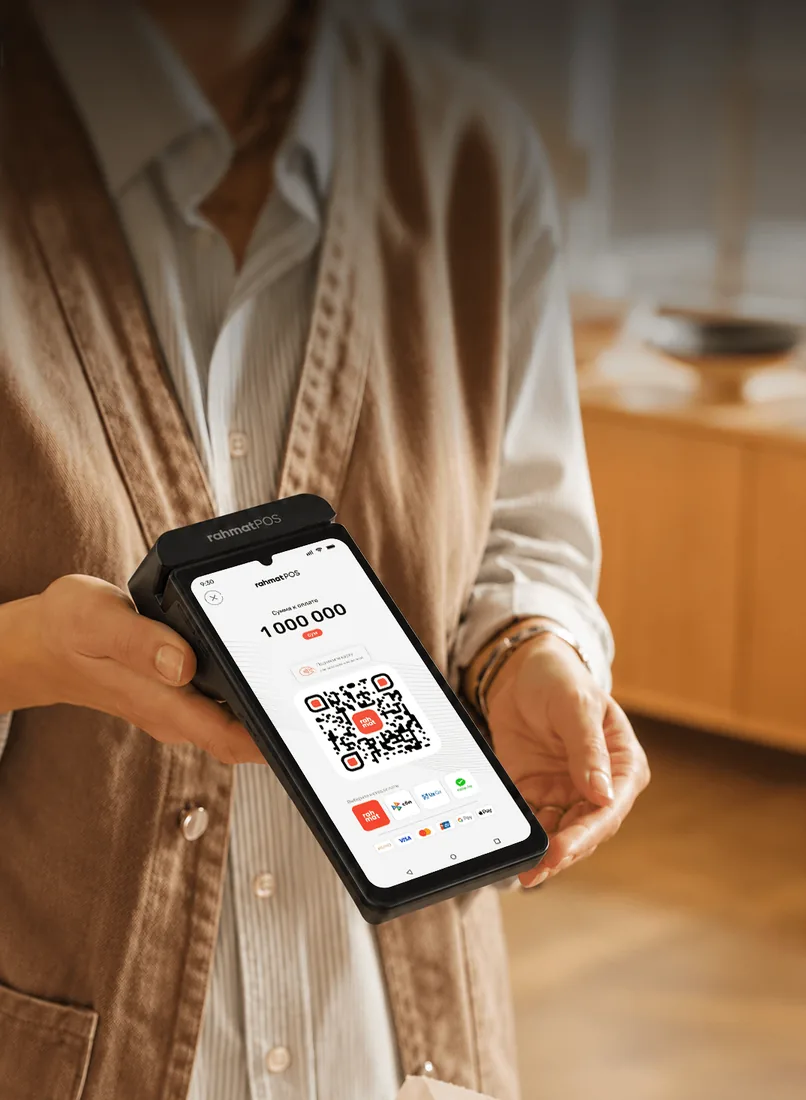
01 / Why it works
One device at the counter instead of a terminal, a register and accounting software.
HUMO, Visa, Mastercard and UnionPay cards, contactless NFC payments and the Rahmat Unified QR with 12+ services and banks.
X/Z reports, sales, refunds, advances, credit and other register operations.
The register meets Cabinet of Ministers Resolution No. 943 of 23.11.2019 and is listed in the online cash register registry at ofd.uz.
A product catalogue with units, prices and IKPU codes. Sales statistics, top products, and figures by outlet and payment type.
Integrations with Poster and MoySklad. OpenAPI connects the register to other POS systems in Uzbekistan.
Built-in eSIM, a SIM card slot and Wi-Fi. No wired internet is needed.
A Rahmat specialist chooses how to connect to Poster, MoySklad or a POS system via OpenAPI, based on the outlet’s setup.
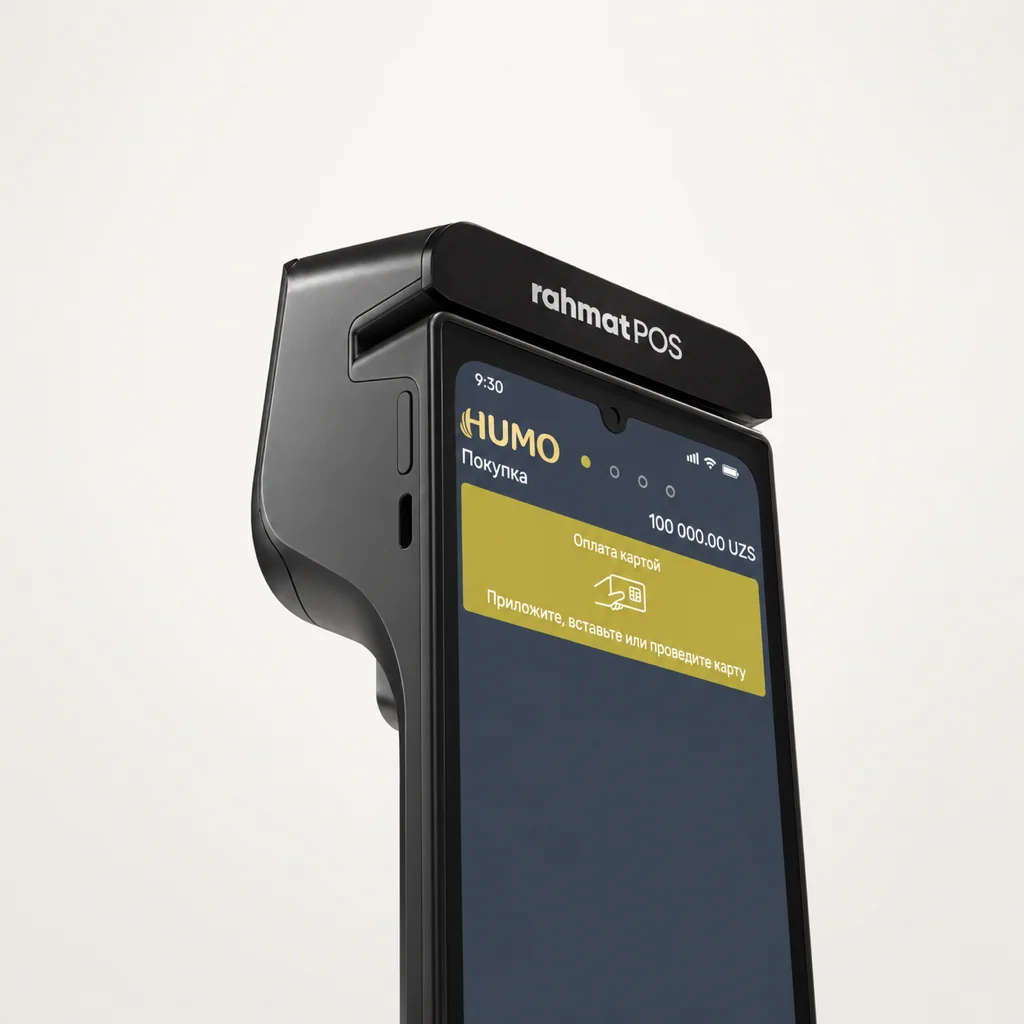
02 / Payment terminal
The online cash register runs on the SUNMI P3 terminal with Android, a touchscreen and a built-in barcode scanner.
The terminal accepts card payments and contactless NFC payments.
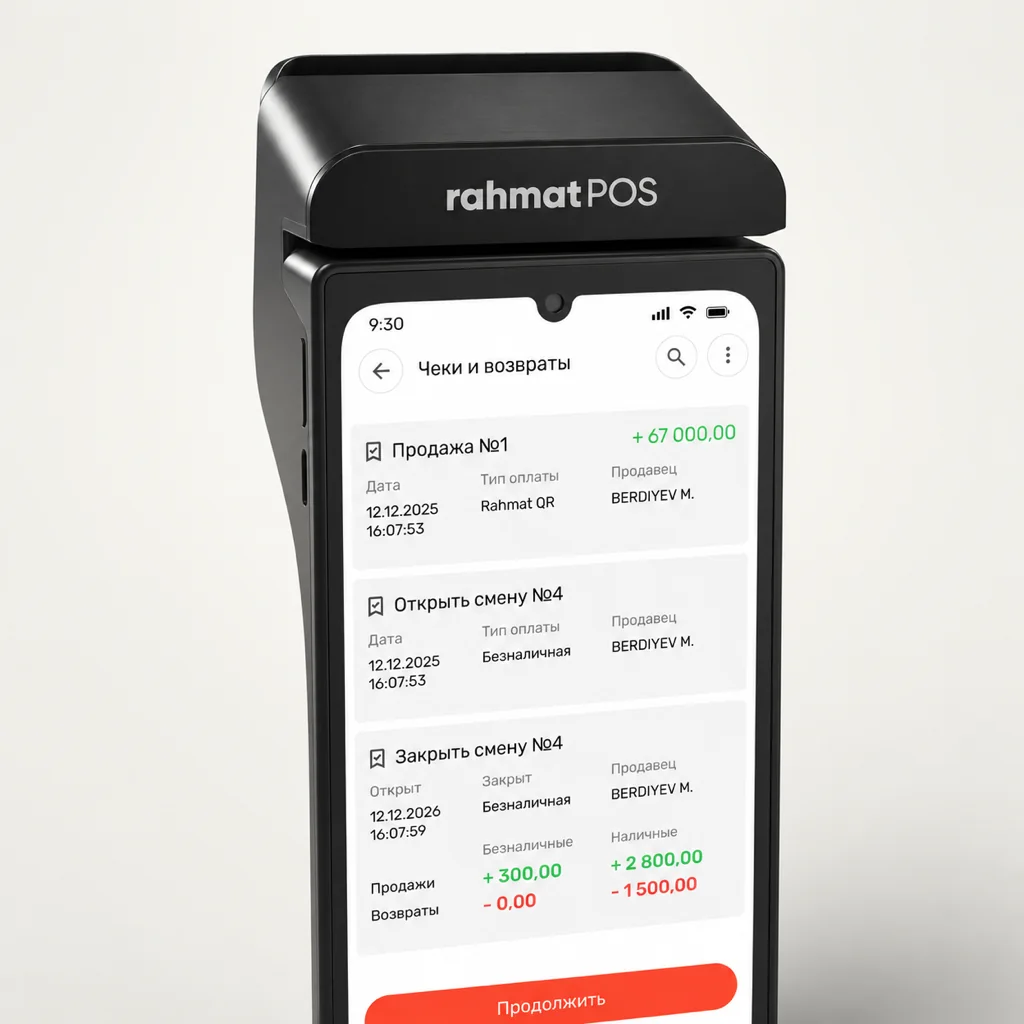
03 / Inventory and analytics
The inventory system keeps the product list and stock levels. The register scans barcodes and marking codes. Sales are shown by outlet, cashier and payment type.
Sales data builds statistics for planning purchases. Without internet, inventory works for up to 24 hours, then the data syncs automatically.
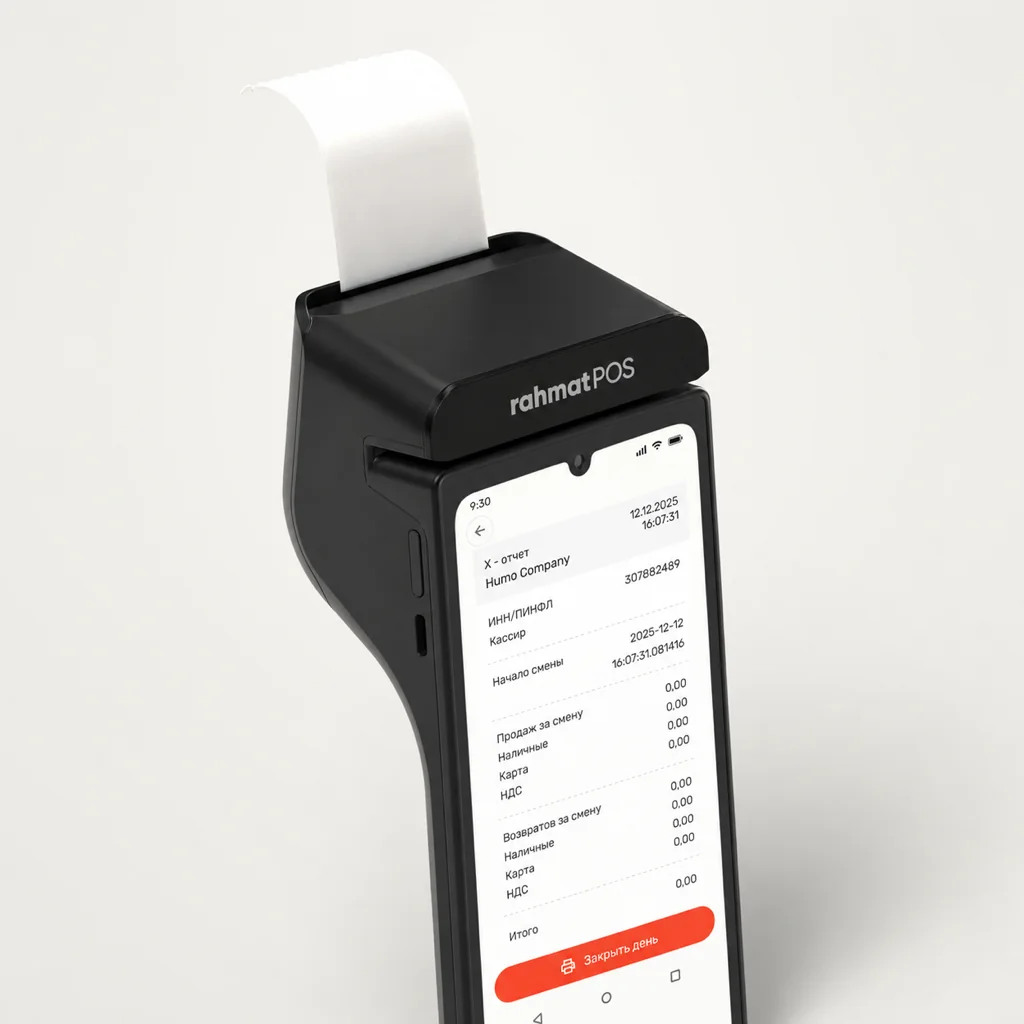
04 / Fiscal receipts
The online cash register issues electronic fiscal receipts. The register handles shifts, refunds and corrections, and runs X and Z reports.
All operations run online. Sales data goes to the tax authority automatically.
05 / Accepting payments
The unified Rahmat QR takes payments through apps and banks: Uzcard, HUMO, Visa, Mastercard, SBP, Click, Payme, Uzum and more.
 HUMO
HUMO Visa
Visa Mastercard
 Rahmat QR
 SBP
SBP Uzcard
 Payme
Payme Click
Click Uzum
Uzum Alif
Alif Paynet
 Xazna
Xazna Oson
OsonThe customer scans one QR code and pays in their bank’s or service’s app. More on the Unified QR page.
06 / Pricing
The register service fee is separate from the terminal purchase.
Payment terminal, fiscal receipts and inventory in one device.
Service
100 000 UZS / month
The monthly service fee is shown. All plans and one-off services are on the Pricing page.
Terminal purchase
A SUNMI P3-based terminal, bought outright for the point of sale.
990 000UZS, one-off
Buy the terminalDevice price only. Service is billed separately under the chosen plan.

07 / Support
Rahmat specialists advise on the smart register: payments, receipts and inventory.
08 / How to connect
After a request, a Rahmat specialist selects a solution for the point of sale.
Agreeing on terms and setting up the equipment, software and required services.
Training on the main functions. Support on 1865 and in the chat.
09 / Questions and answers
Other questions — on 1865 or in the support chat.
1865 Support chatIt is a 3-in-1 cash register based on SUNMI P3. It combines a payment terminal, an online cash register with fiscal receipts and an inventory system.
The register accepts HUMO, Visa, Mastercard and UnionPay cards, as well as contactless NFC payments. The Rahmat Unified QR code allows payment through 12+ services.
Yes. The register is listed in the online cash register registry at ofd.uz and meets Cabinet of Ministers Resolution No. 943 of 23.11.2019. Receipts are fiscalised and sent to the tax authority automatically. Documents are on the Licences and certificates page.
The register creates receipts with the mandatory QR code automatically. Data on every sale goes straight to the fiscal data operator (OFD) via the built-in eSIM or Wi-Fi.
Yes. In offline mode, the register stores data for up to 24 hours. Once the connection is back, the data syncs with the server right away.
With Poster and MoySklad. Through the open API, the register connects to other POS systems. More on the Integrations page.
A request on the website or a call to 1865.
Connecting Rahmat POS
Rahmat connects the online cash register, sets it up for the point of sale and shows the main functions.